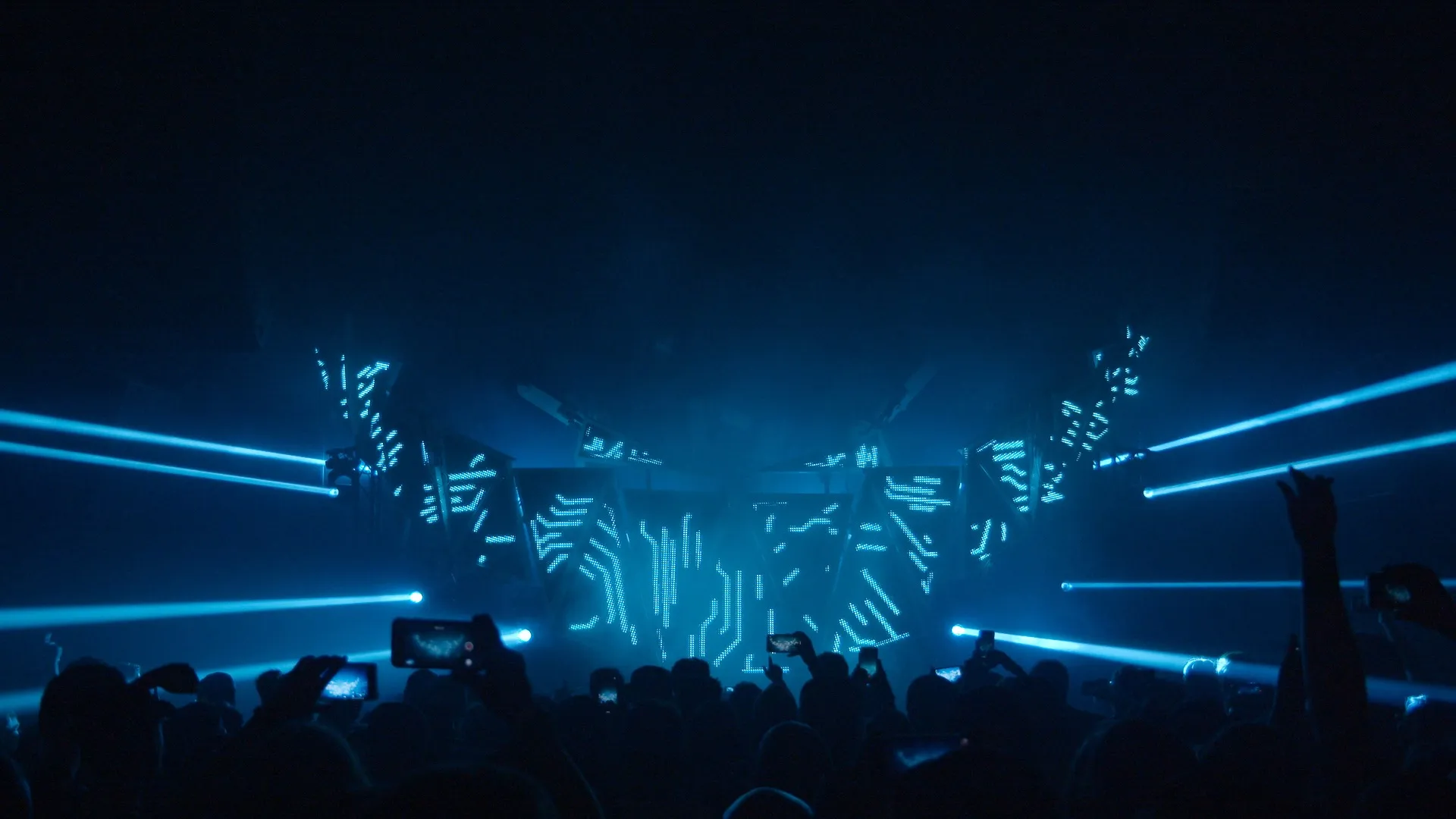
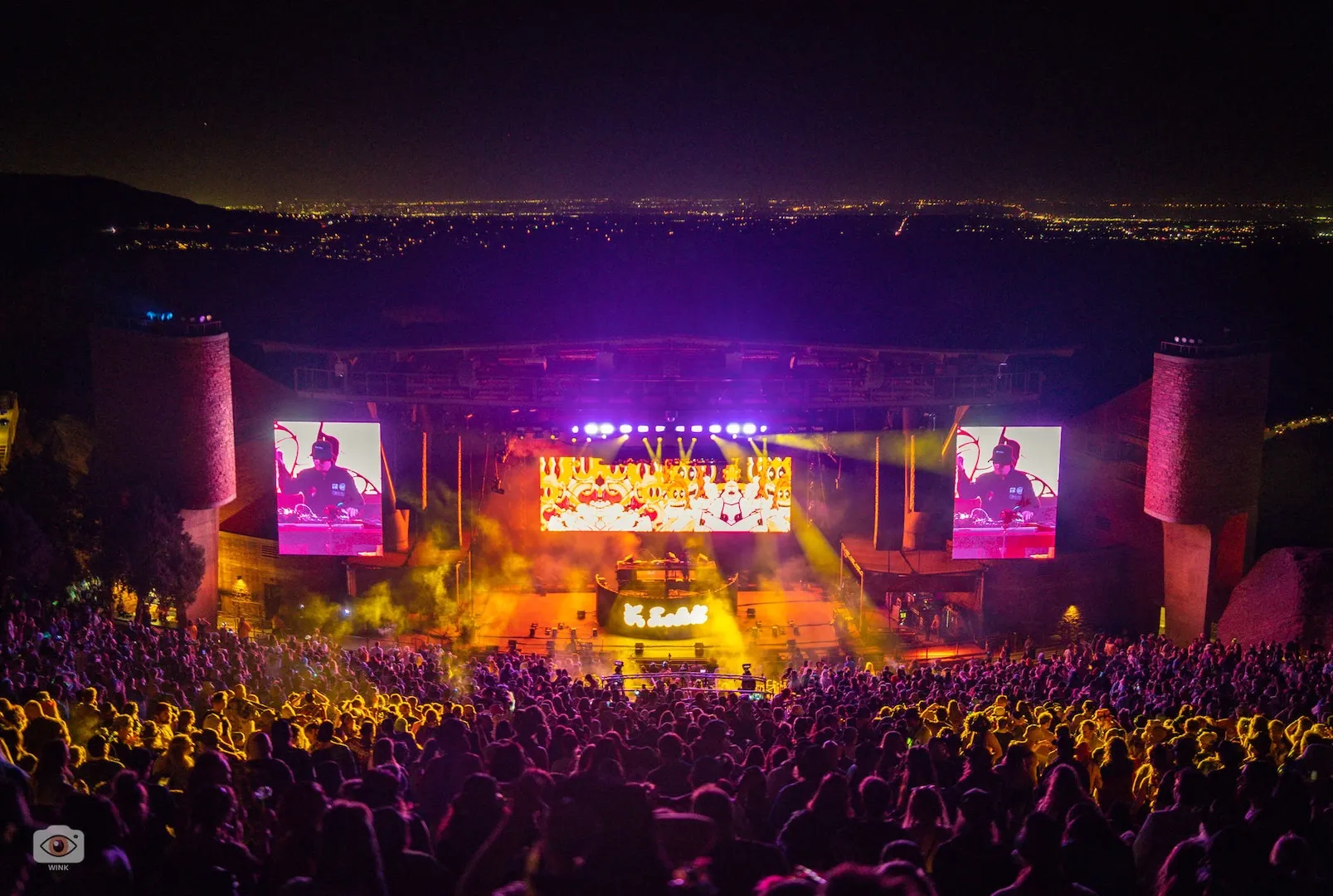
The Feed Me With Teeth show is built entirely on Videosync and Beam. We use no other lighting desks or media servers. This has served us very well for multiple USA tours and various festival shows all over the world.

The visual engine for Ableton Live
Videosync enables you to treat video as audio inside Ableton Live. Bring your visuals to life with Warp Markers, Racks, Macros, Simpler, Automation, Modulation, and much more.

Use Live's musical timeline to craft audiovisual compositions. Blend audiovisual tracks, program visual instruments on the note grid and script video effects with automation.
All the tricks in Live's Session View now apply to video as well, enabling flexibility while performing live, including Follow Actions, Group Tracks, Routings, and more.
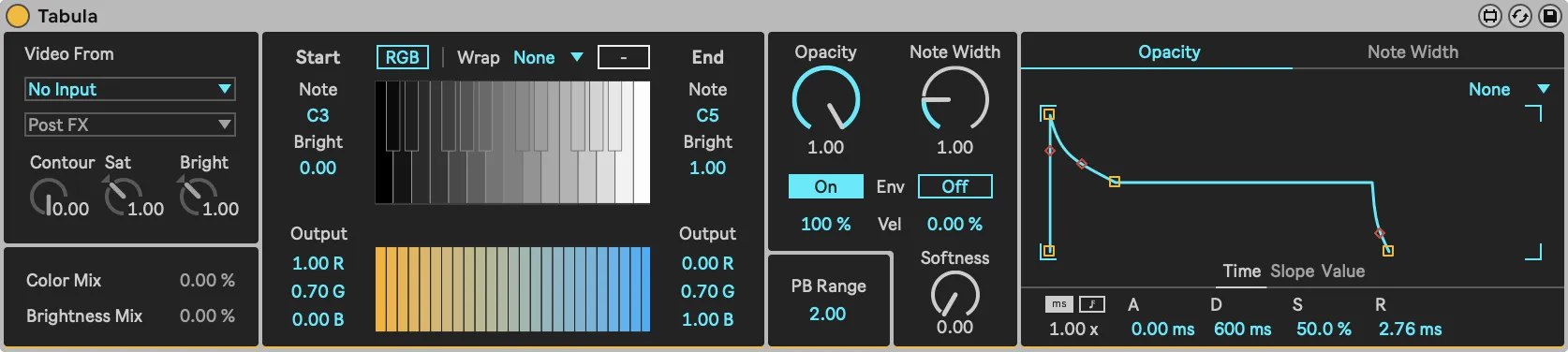
A MIDI instrument that repaints the colors of an input (selectable with the dropdown menu) with the selected colors. MIDI notes trigger different brightness ranges, drawing the respective pixels with their new colors.
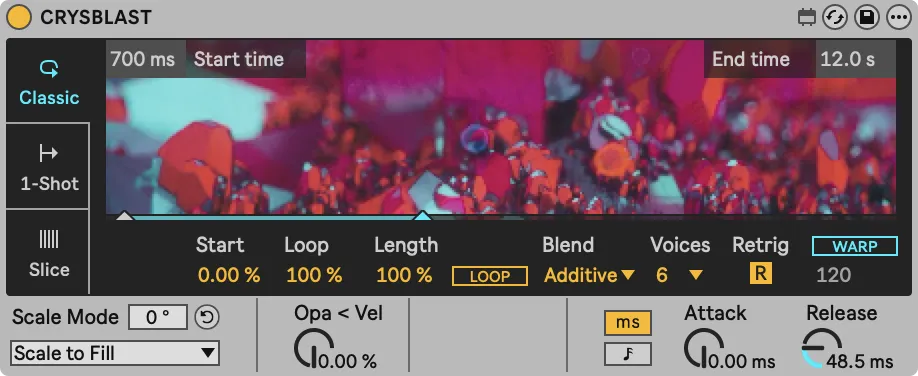
Video Simpler mimics Ableton Live’s Simpler instrument. This device allows to easily trigger video content with MIDI notes.
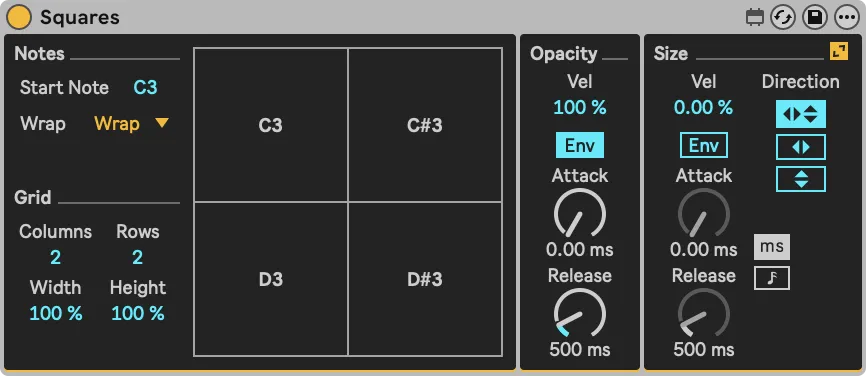
Seemingly simplistic, but very powerful when combined with various effects. The Squares instrument allows you to generate white squares on the screen using MIDI notes that can follow two different envelopes.
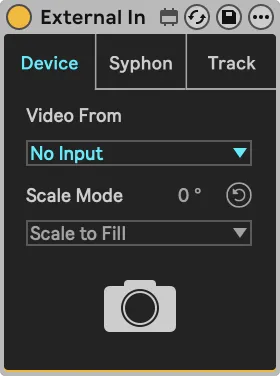
Similar to the routing of Live, External In is an important routing element that you can use to receive video signals from hardware devices, other software using Syphon or Spout, or other tracks within Live.
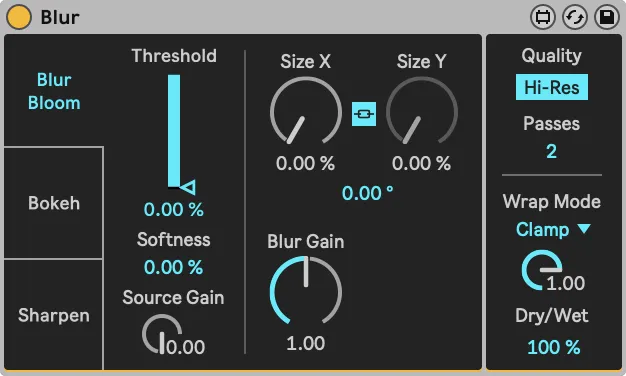
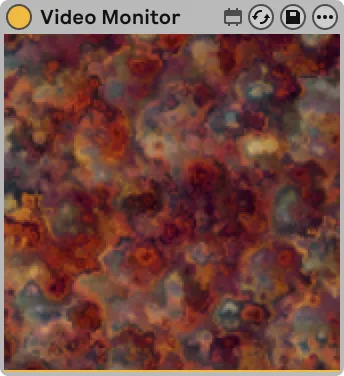
A blur effect with three modes: “Blur / Bloom”, “Bokeh” and “Sharpen”. Each mode offers a slightly different collection of parameters.
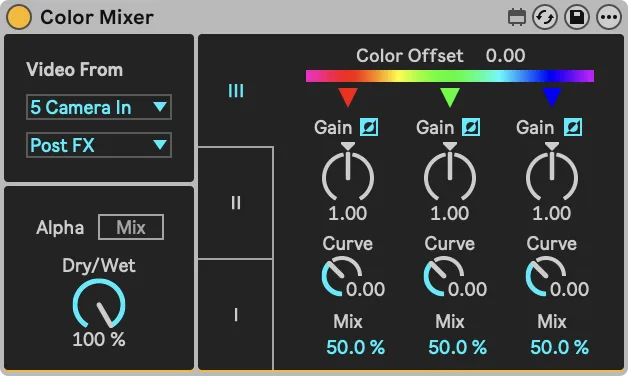
Manipulates the color and brightness components of an image. Selecting an optional sidechain source will allow you to blend the color and brightness of another track into the texture of the Color Mixer’s host track.
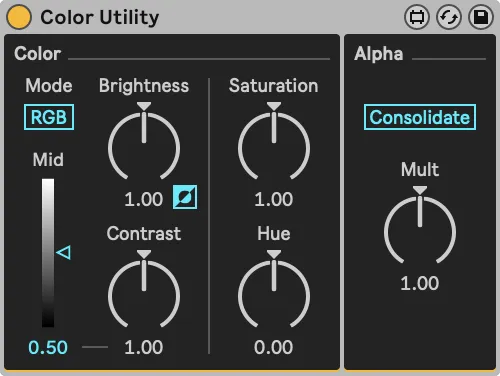
A simple device that provides control over video brightness, color, and alpha settings. Switch between RGB and YUV modes, adjust brightness, contrast, hue, and saturation, and manage alpha values with consolidation and multiplication options.
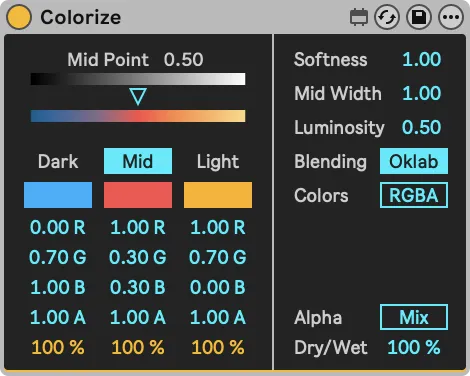
This device allows advanced color operations using Dark, Mid, and Light color controls to create dynamic color gradients based on the intensity of the input.
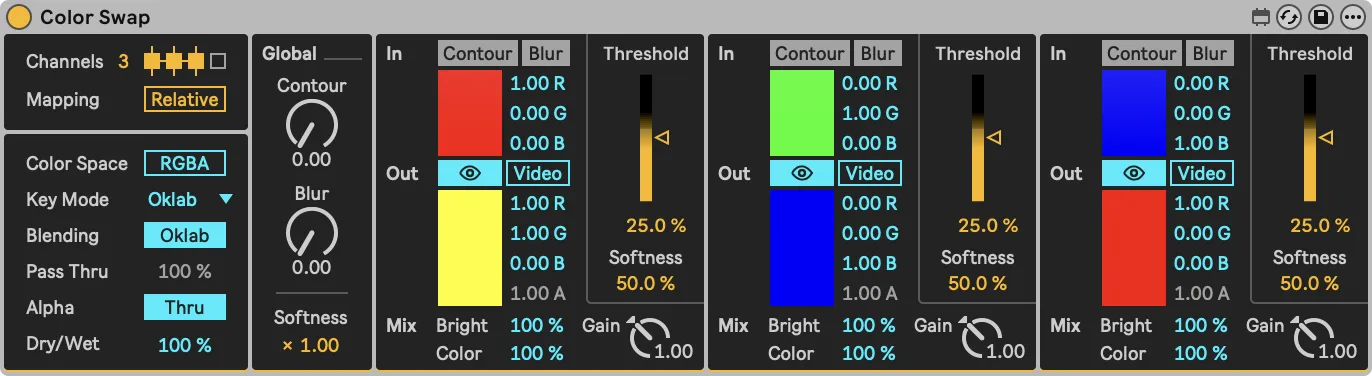
Transform any color into video sources, create smooth color remapping across entire images, or perform precise selective color replacement.
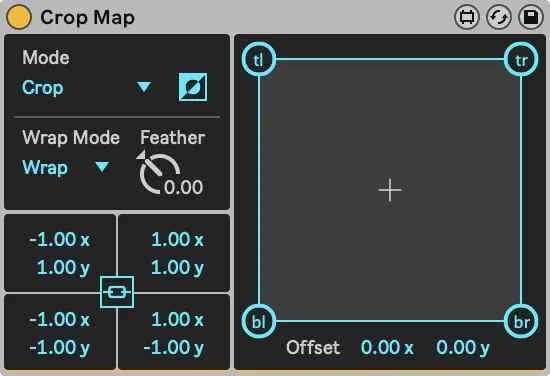
This device is used for both cropping video and projection mapping. It offers various modes for scaling and cropping, along with options for inversion, wrapping, feathering, and precise corner adjustments.
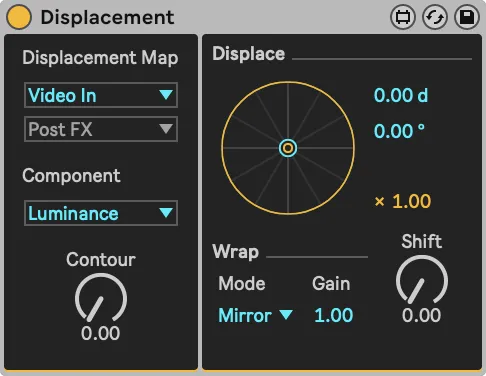
A displacement effect that by default displaces its input based on its own overall luminance or a color channel. But it can also use the output of another track, otherwise known as a sidechain, as a displacement source.
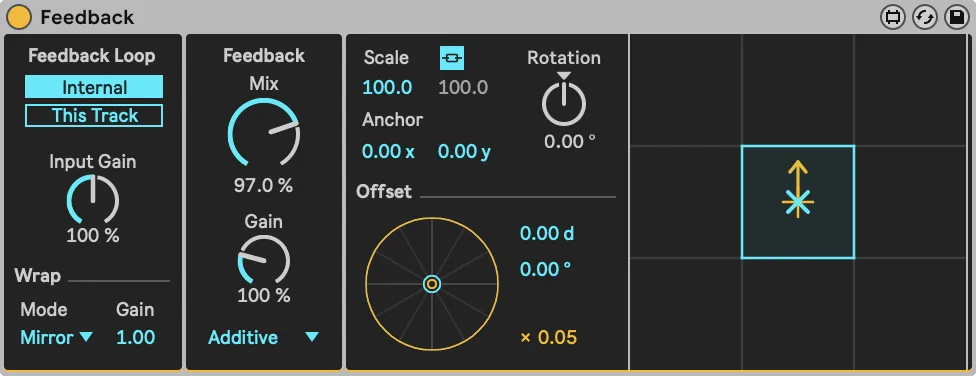
Copies the previous frame onto the current frame, resulting in an echo effect. While copying, the frame can be scaled horizontally and vertically. This results in the echos moving inward or outward.
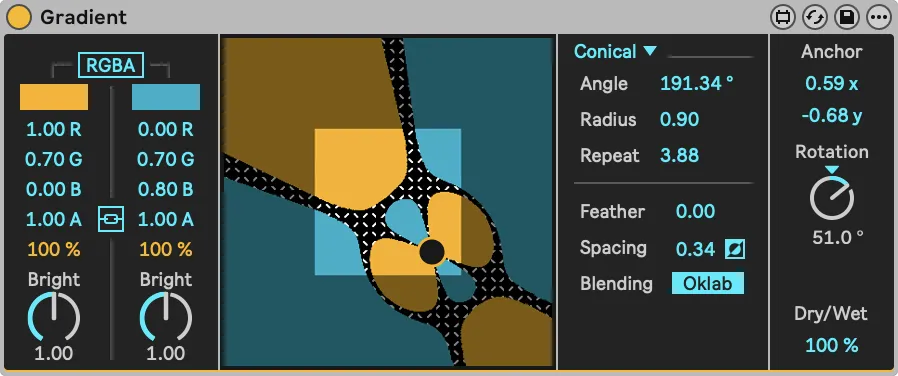
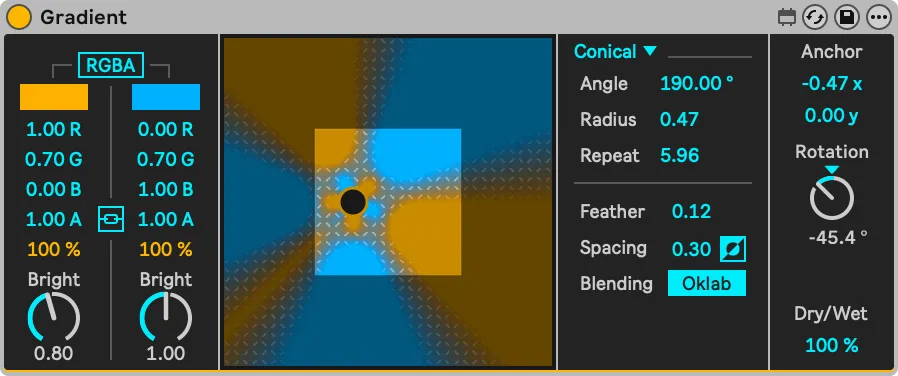
Creates monochromatic and duochromatic gradients. Use Feather to go from a smooth gradient to two solid colors, while Spacing sets the distance between the two color planes.
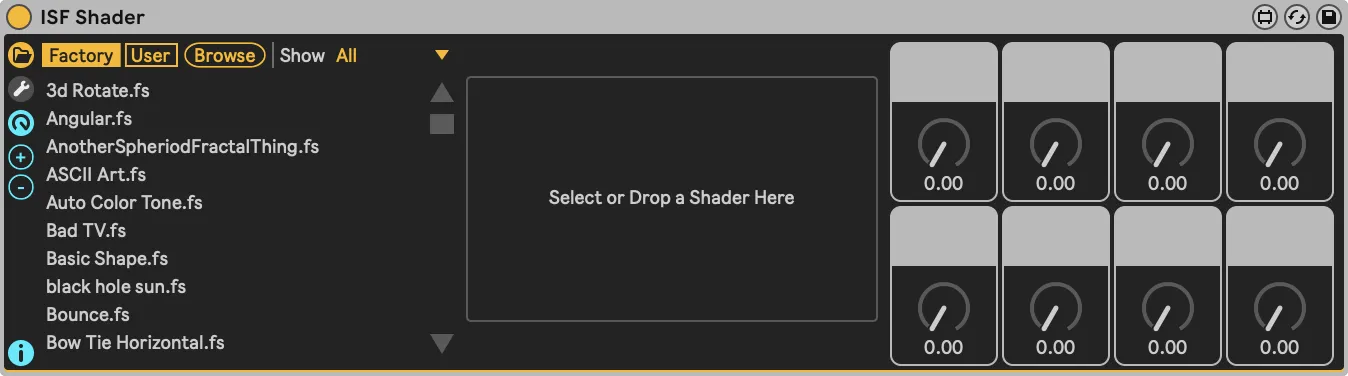
Effortlessly browse ISF shaders to generate or manipulate visuals. Comes with a curated library of over 200 shaders, as well the ability to open any shader in an external text editor. Saving changes in the text editor are immediately reflected in Videosync.
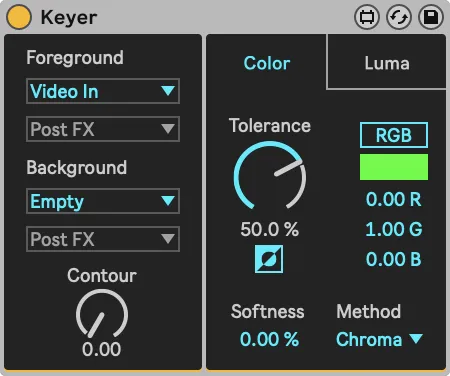
A very versatile device with a luminance and chroma keyer. It mimics the classic analog keying setup, allowing to set both the foreground and the background images from sidechain tracks.
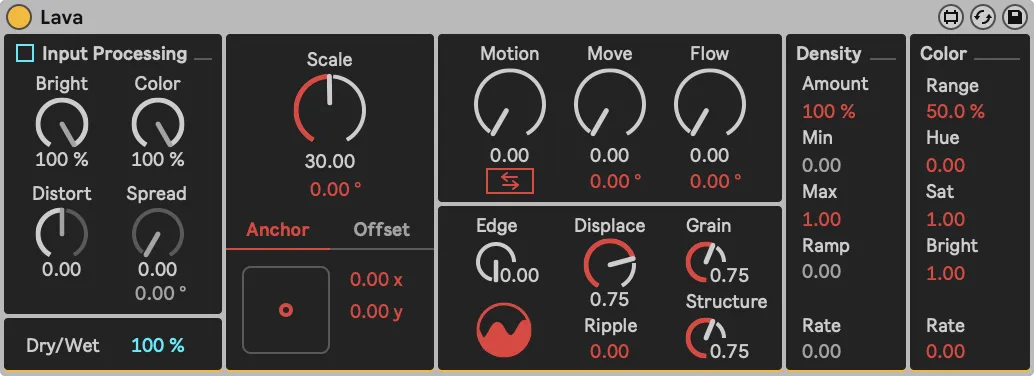
Lava is a hybrid between a generator and an effect. Its pattern creation and image manipulation algorithms draw inspiration from Brownian Noise, emulating the variability found in many natural systems.
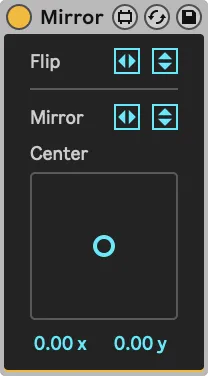
A basic device used to flip and/or mirror the video. The X/Y pad sets the horizontal and vertical center point from which to mirror the video.
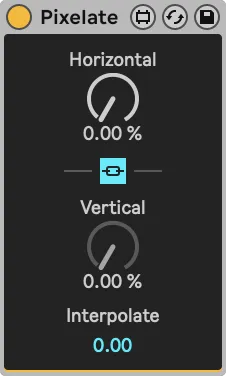
A simple device used to downsample the video resolution. Interpolate gradually to smooth out the pixelation effect.
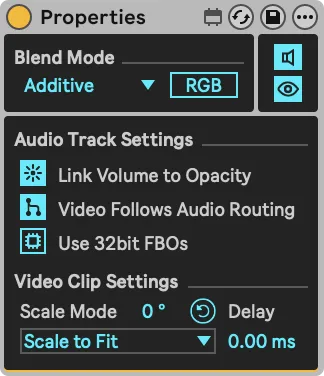
The Properties device contains a collection of settings for tracks or rack chains which are not directly available in the interface of Ableton Live.
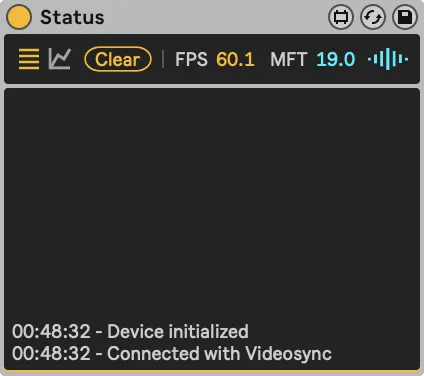
The Status device displays the connection state, frames per second and maximum frame time, as well as a history graph to monitor the performance over a longer period of time.
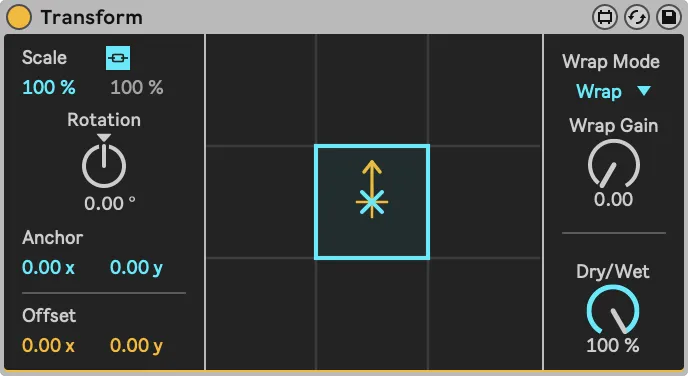
Device for positioning, scaling and rotating video. When scaled down, Wrap can be used to fill the area around the scaled down video.
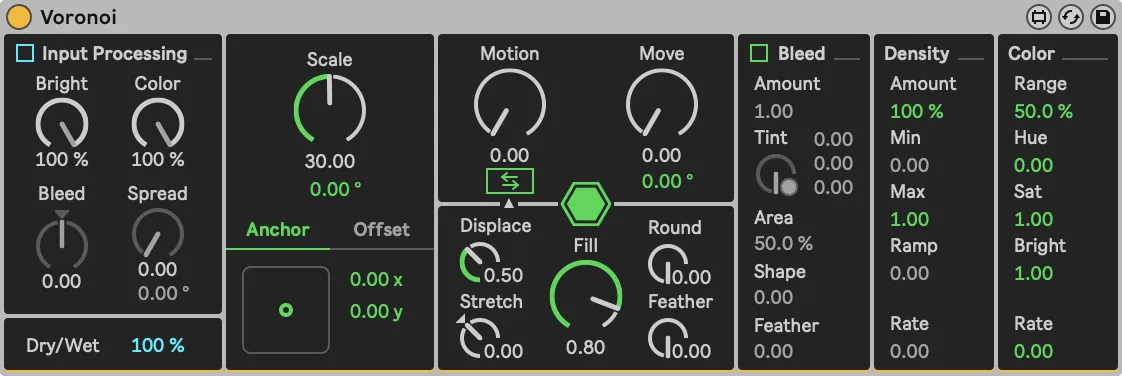
Voronoi is a hybrid between a generator and an effect. Based on the Voronoi algorithm it allows both the creation and manipulation of images in a wide range of ways.
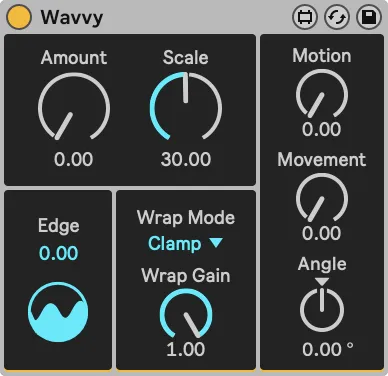
A displacement video effect capable of enriching imagery by adding a variety of organically flowing and morphing distortions.
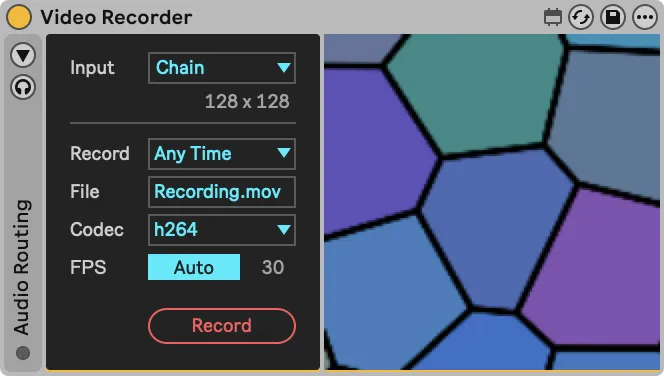
Record video with audio from inside any track or chain, or place it on the Main Track to record the entire session.
The Video Monitor device makes it possible to view video signals inside any track or chain.
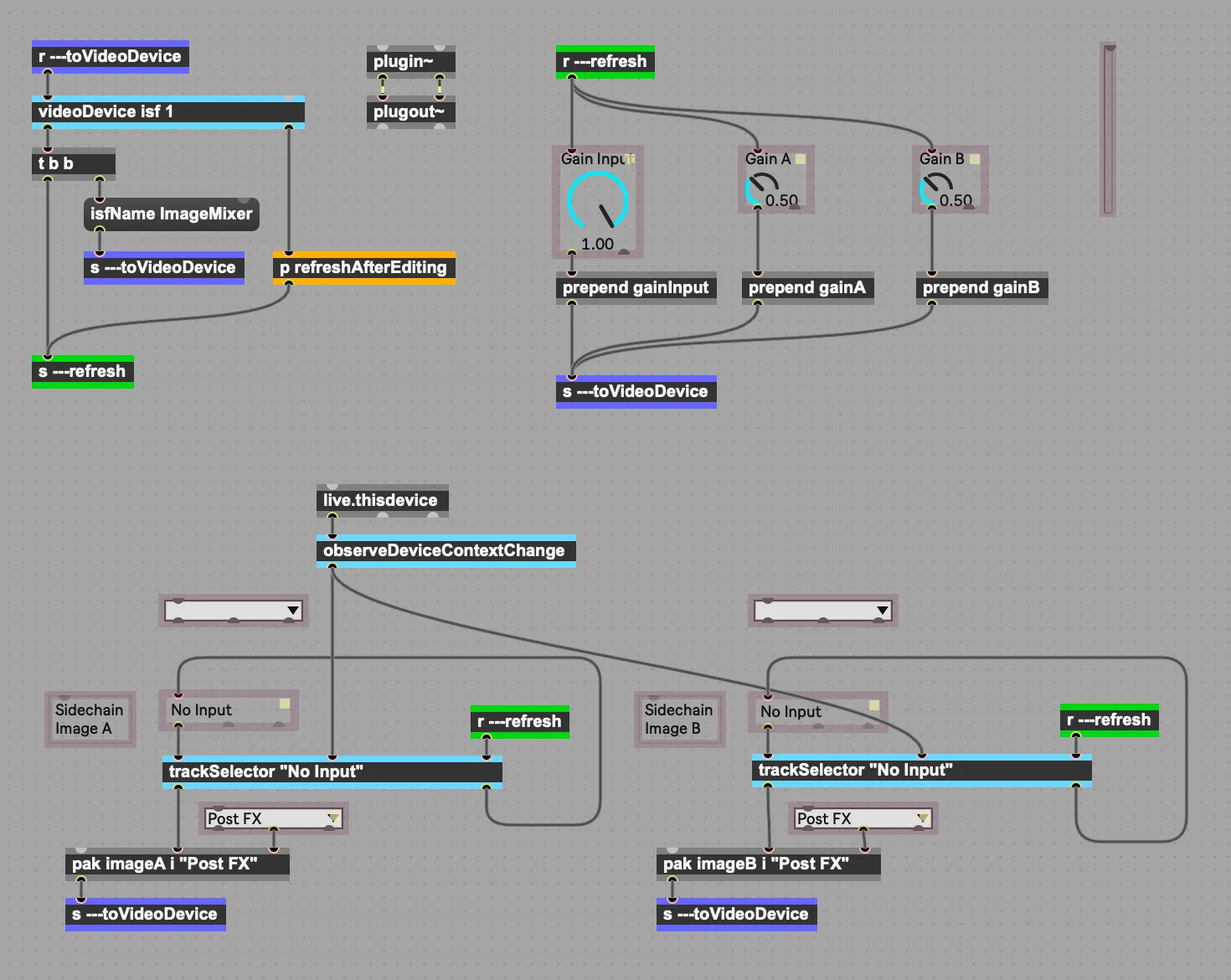
The Plugin Software Development Kit allows you to build your own image effects and generators with an interface in Max For Live , an engine in GL Shader Language (GLSL) , following the Interactive Shader Format (ISF) standard.
Use Live's Return & Master channels as Spout or Syphon outputs, allowing up to 13 channels of video output into other applications.
Increase redundancy and spread workload in your live shows by running Videosync on a separate computer.
Support for all standard video formats, as well as HAP*.
* The HAP codec is supported on macOS only.

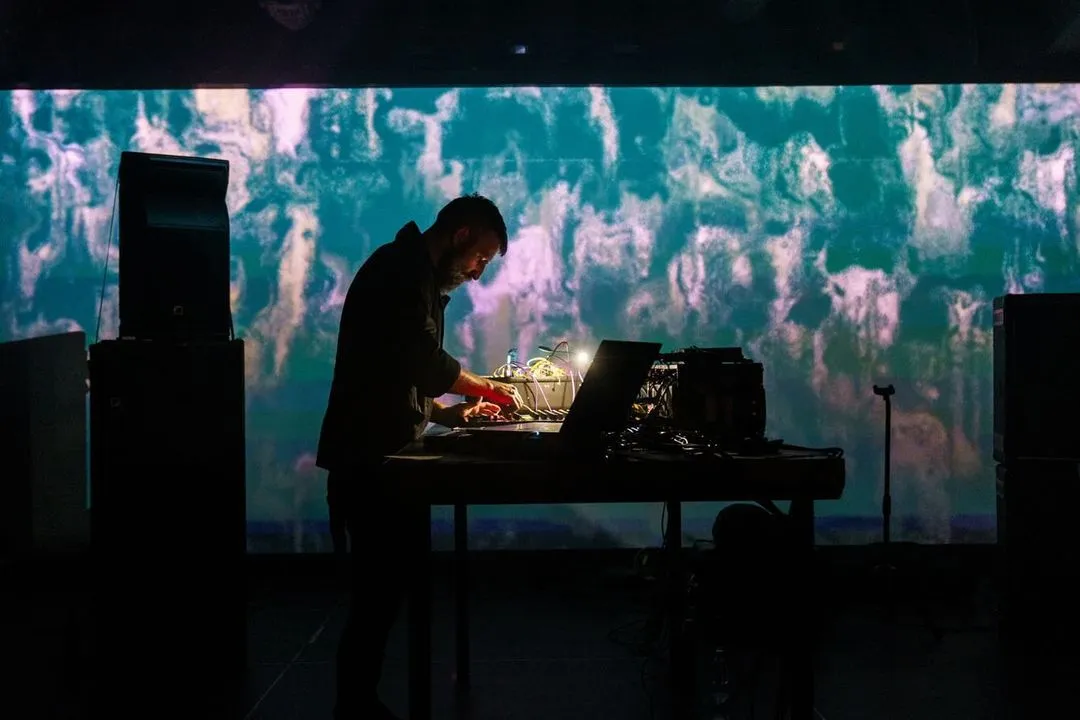
The Feed Me With Teeth show is built entirely on Videosync and Beam. We use no other lighting desks or media servers. This has served us very well for multiple USA tours and various festival shows all over the world.
Working with Videosync has allowed me to seamlessly move between sound and image, tapping into all my synaesthetic fantasies- I more often work now not only on shaping the way something sounds, but what that sound looks like, and so further mining into how an idea feels. Brilliantly designed for the Ableton platform, Videosync is breaking down the boundaries between sound and image—and I’m all for it.
I just wanted to reach out and share how awesome everything’s been with Showsync! Videosync has added so much value (and enjoyment) to my live shows. I must have done around 40 shows with it successfully so far.
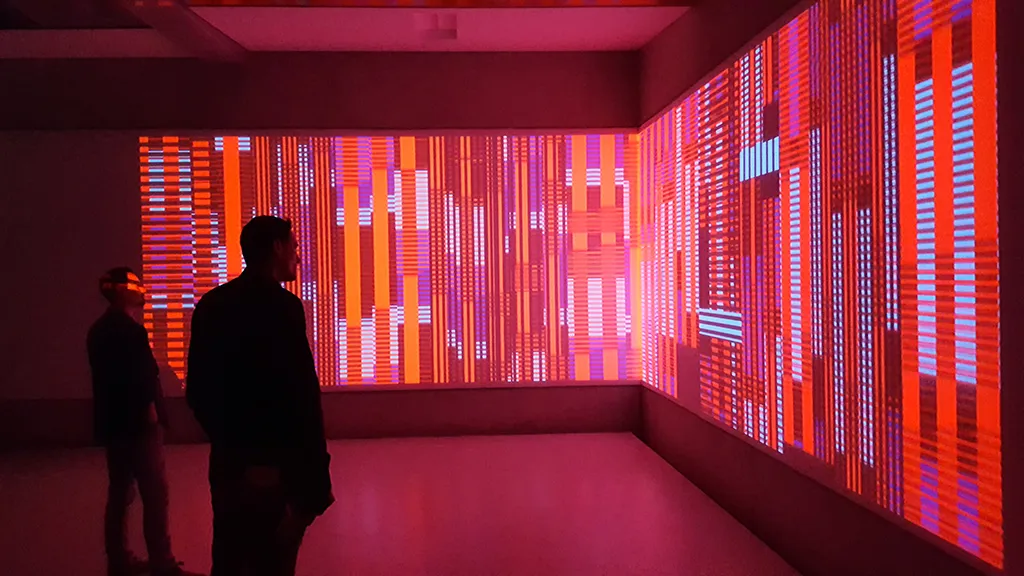
12 high resolution screens controlled by one Live set, running for a month without a problem. I would call that robust.
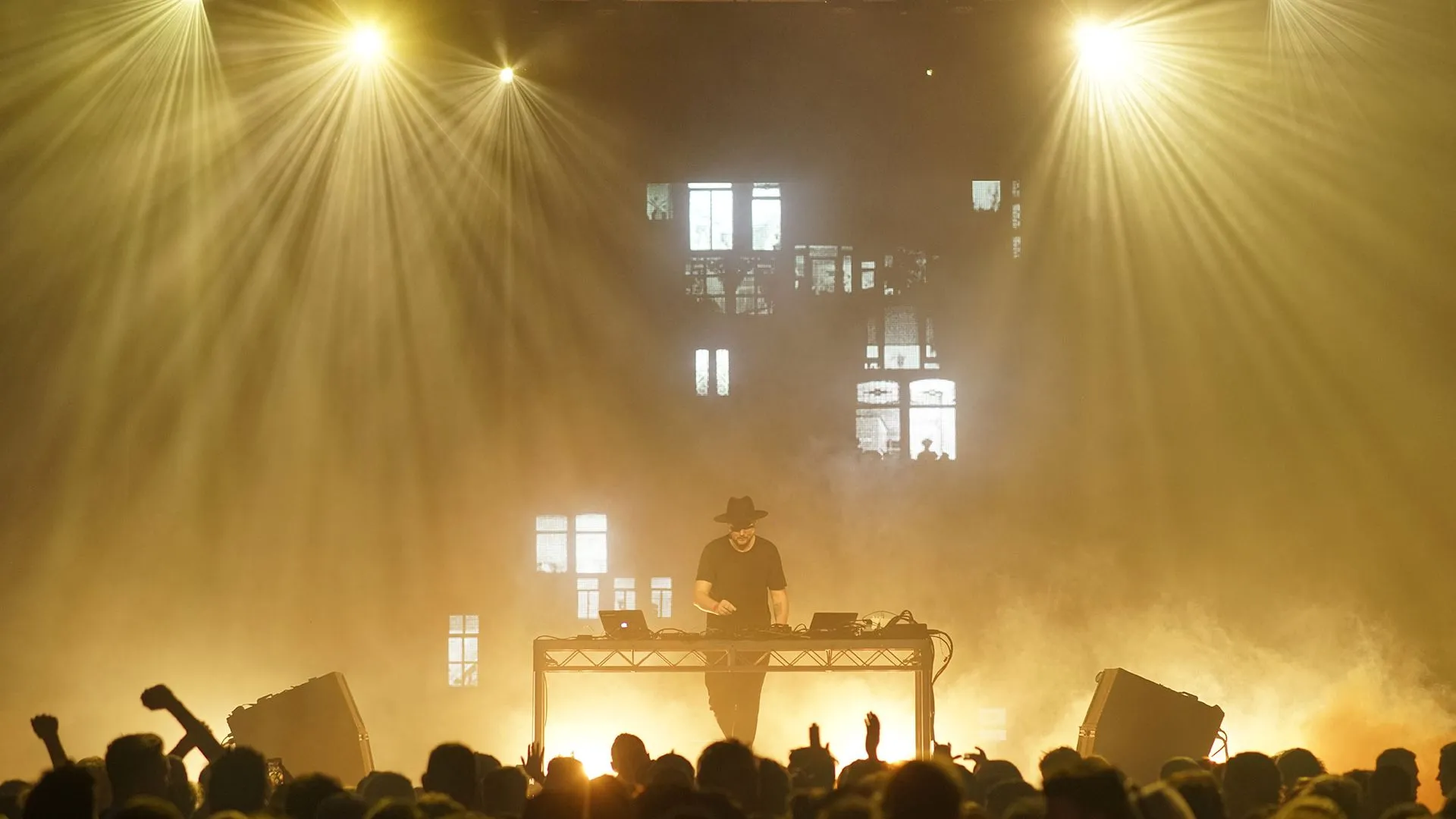
I have been using Videosync in all my liveshows since the very first beta version. It’s the perfect way to integrate video or animation content, and sync it perfectly with my music. It has added a completely new dimension to performing, and has never failed me. I have recommended it to all my colleagues, and cannot speak highly enough of it.
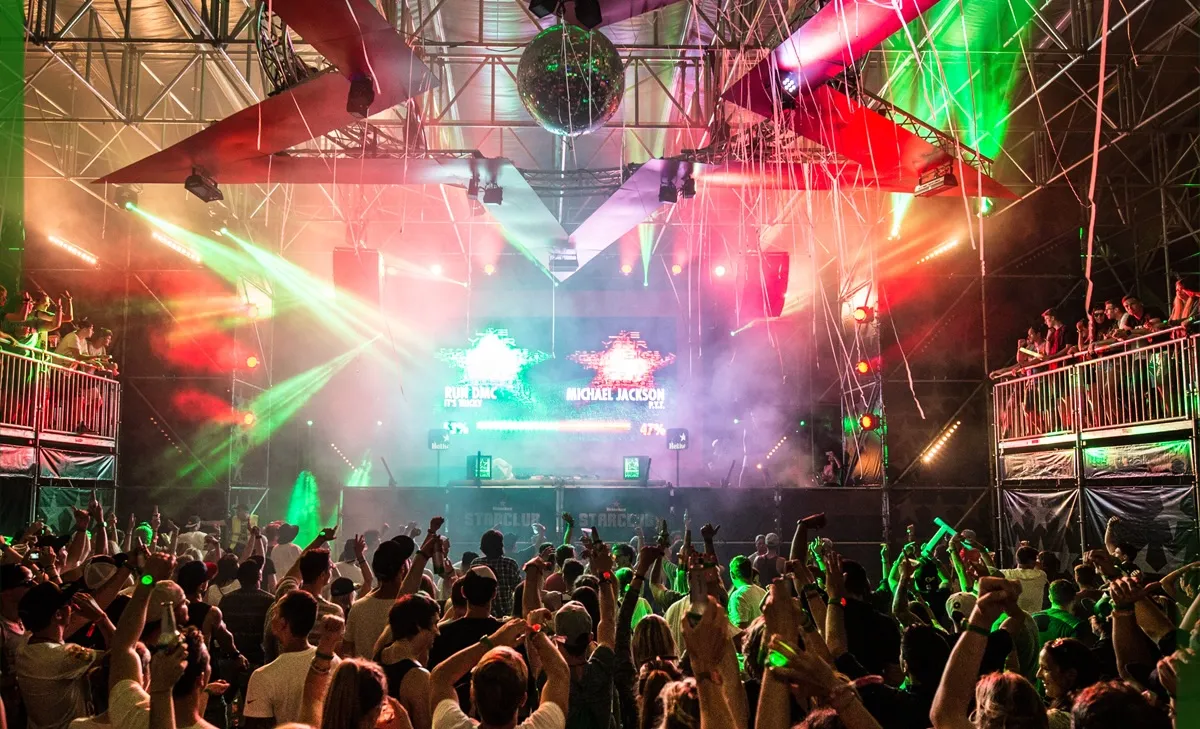
Videosync allowed us to build this complex interactive show fully on Ableton Live. It has been touring for four years across five continents and has never let us down in presenting a premium experience for the most demanding crowds.
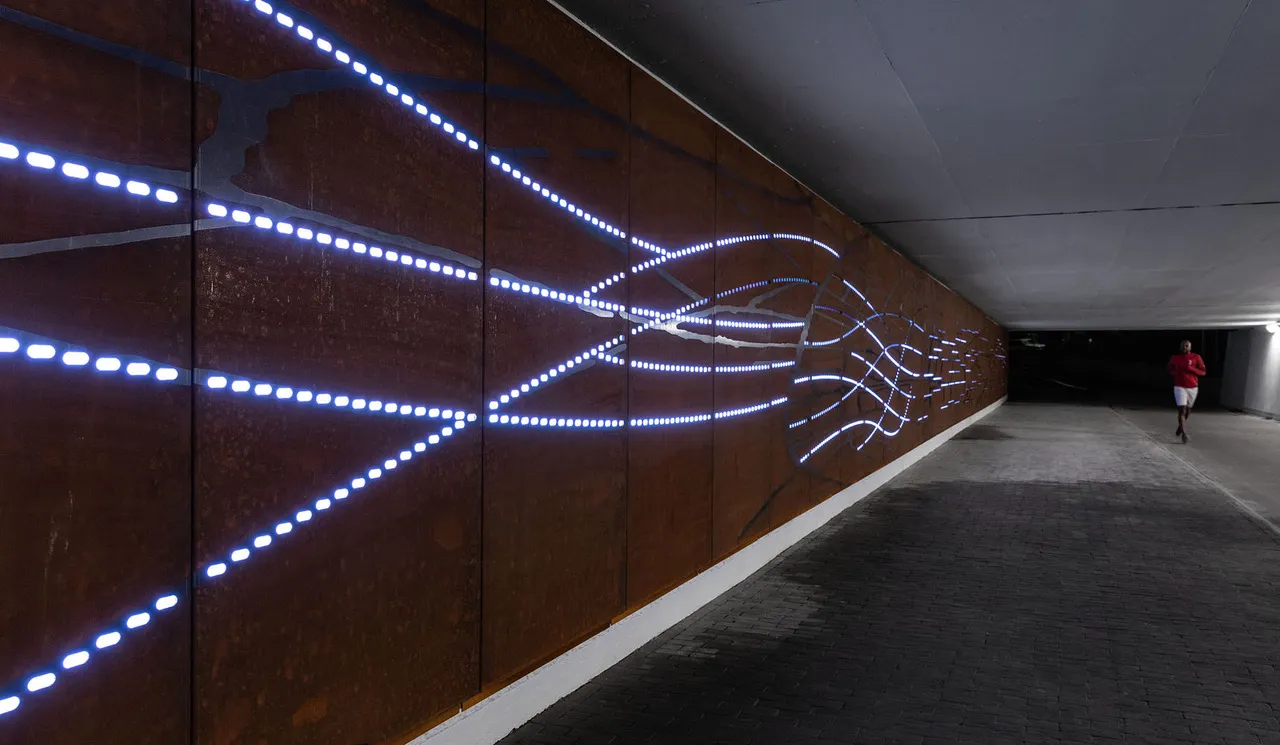
Ableton Live provides a very intuitive timeline interface. When building this installation, Videosync was invaluable to experiment with morphing visual parameters. Its Plugin SDK allowed me to program shaders on the fly without losing my compositions.
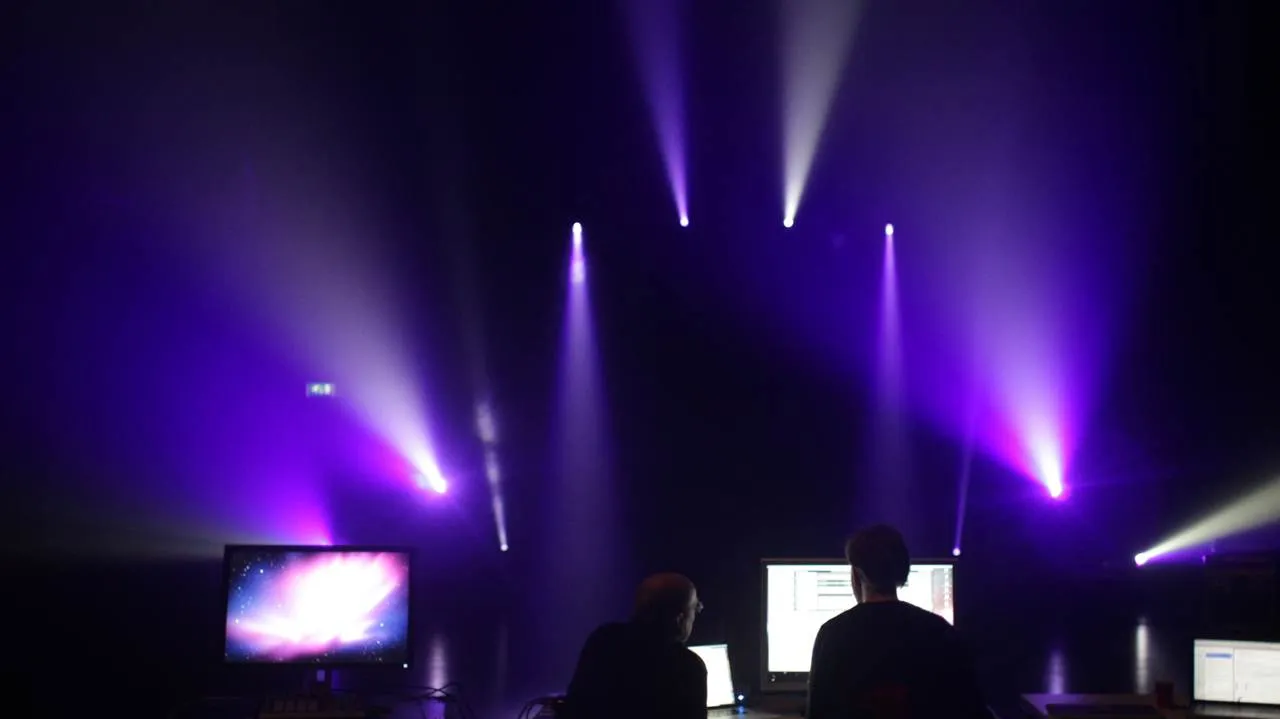
Beam is a game changer when it comes to musical lighting control. Designing a unique lighting counterpart for every note in every clip of the Feed Me show might sound daunting, but with Beam it was truly fun and the synergy with Videosync is unparalleled.
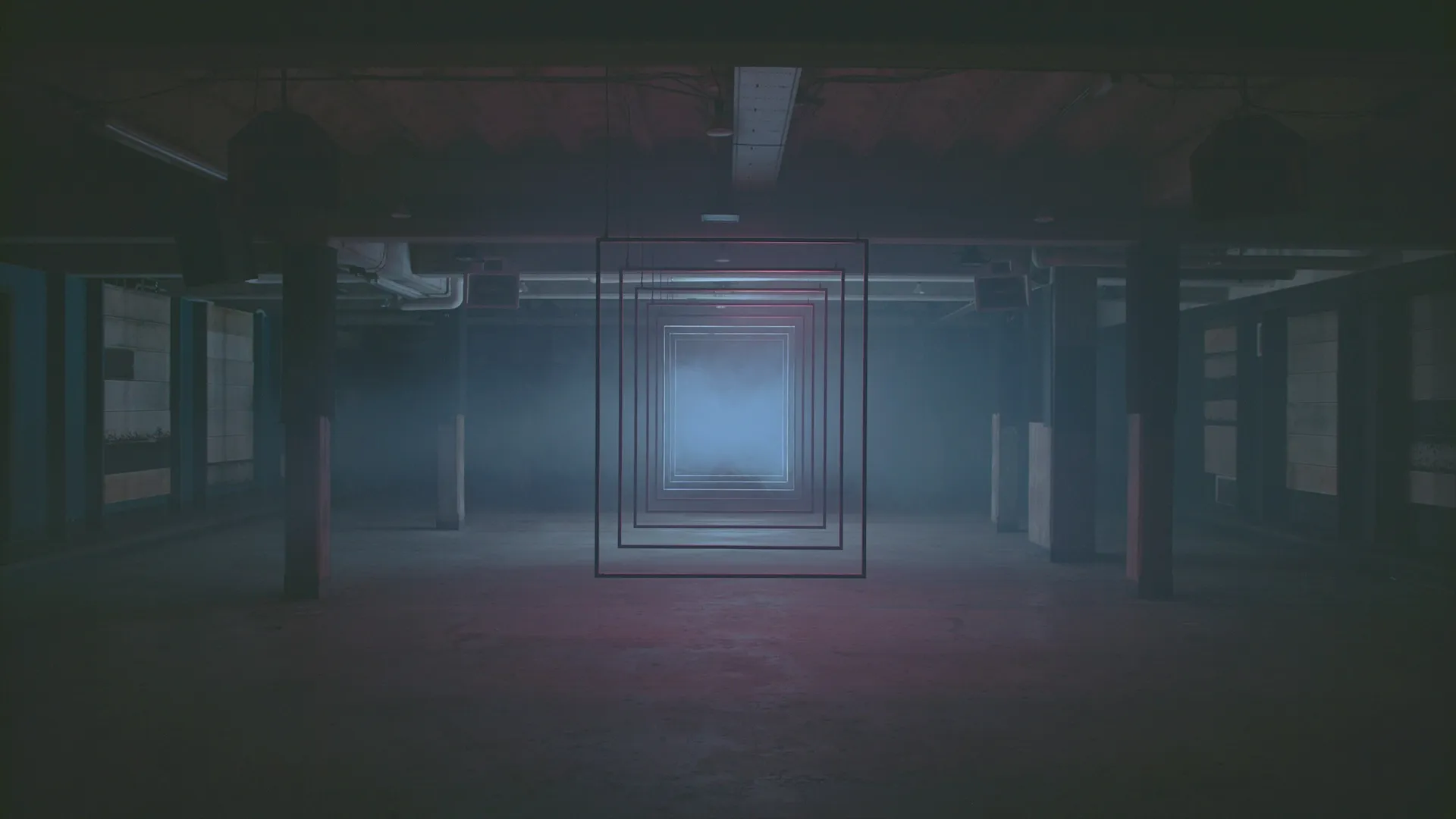
With Videosync and Beam, building visuals and lighting together with my audio feels most like sculpting. I mix, blend and layer until what I see matches exactly with what I feel.
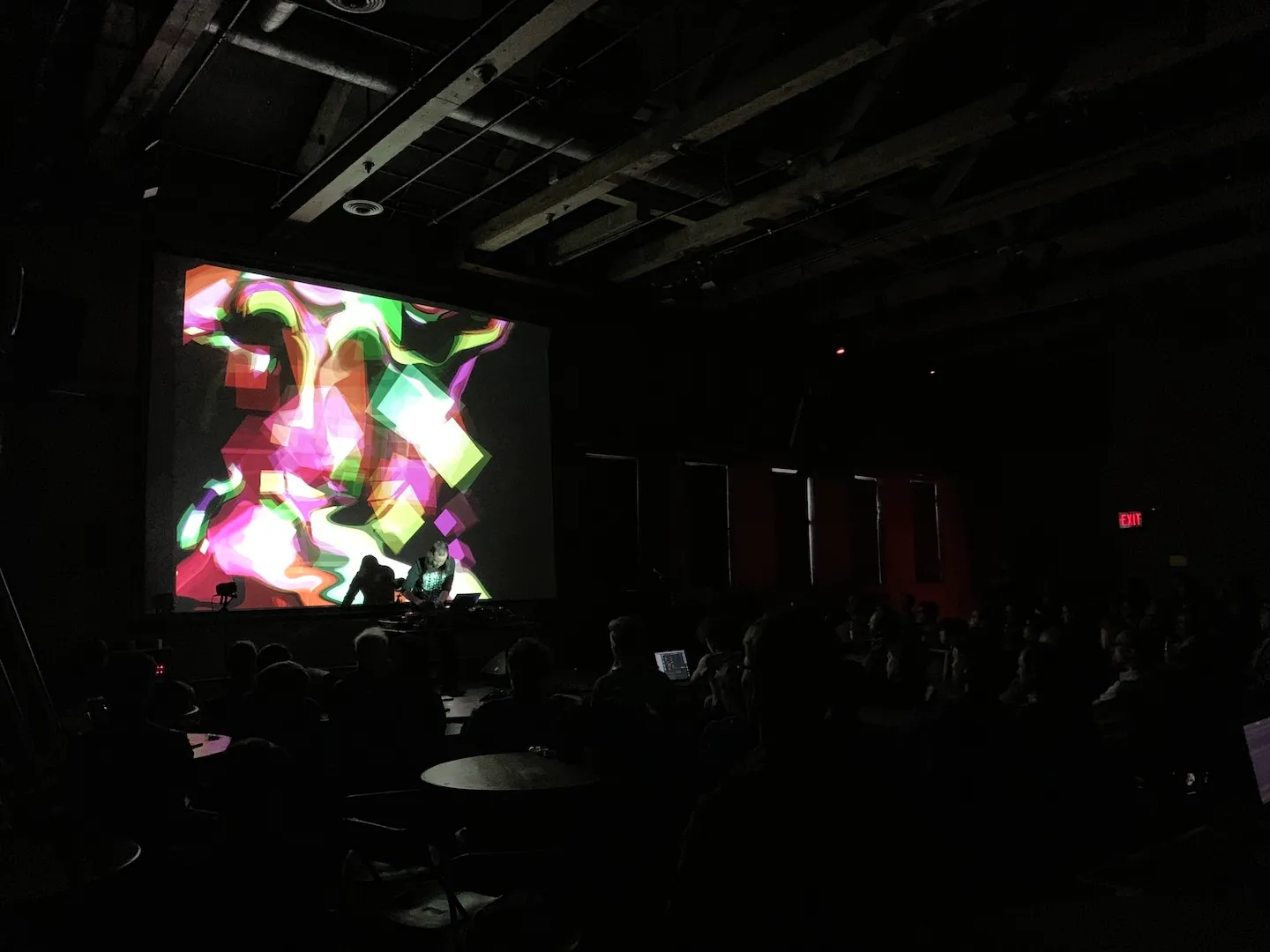
Videosync is the one software I’ve wanted and dreamt of having since starting to play live 15 odd years ago. It’s constructed in such a brilliant way to match the general workflow in Live that it was literally no learning curve for me to get started with integrating visuals into my Live set. It’s also a great tool for generating video content that’s a natural extension of my music making.
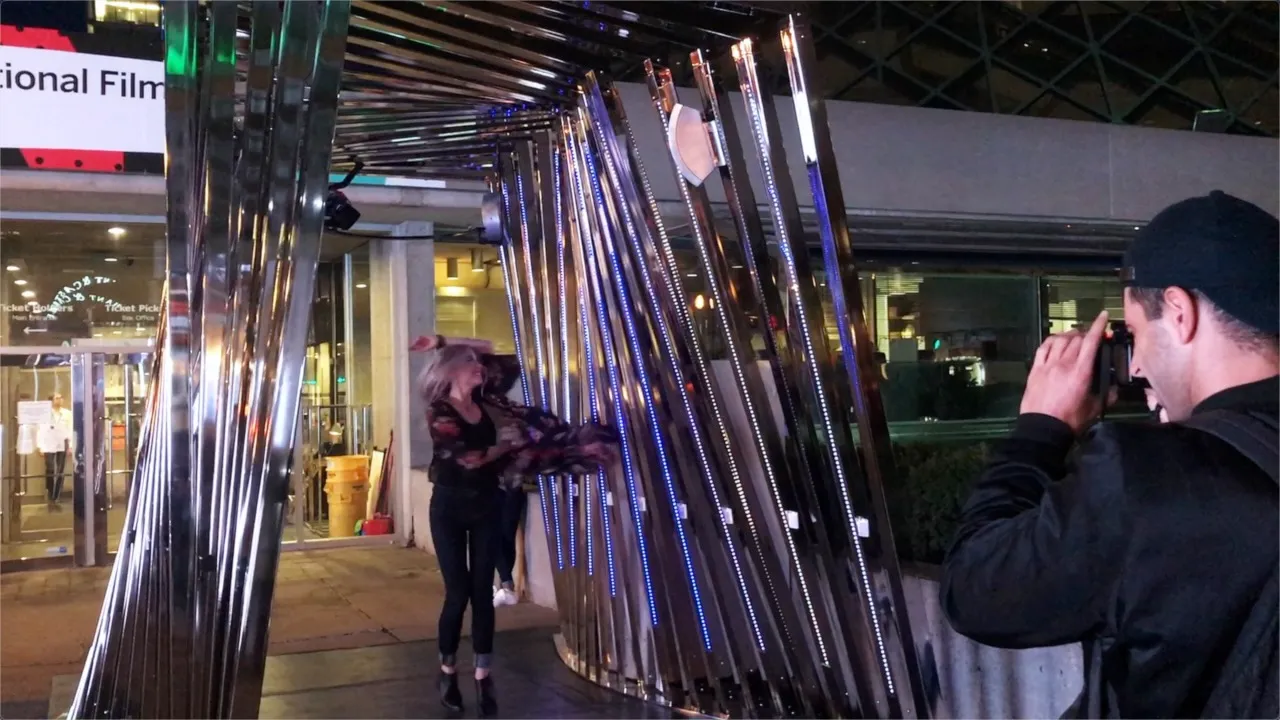
For VISA at the Toronto International Film Festival, our outdoor interactive audiovisual architectural installation with chrome arches, infrared sensors, LED lighting and spatial sound was driven by Live and Videosync.
This was an ambitious, technically challenging project for a high-profile client, so robustness was paramount, but it ran non-stop for a week without any hiccups at all.
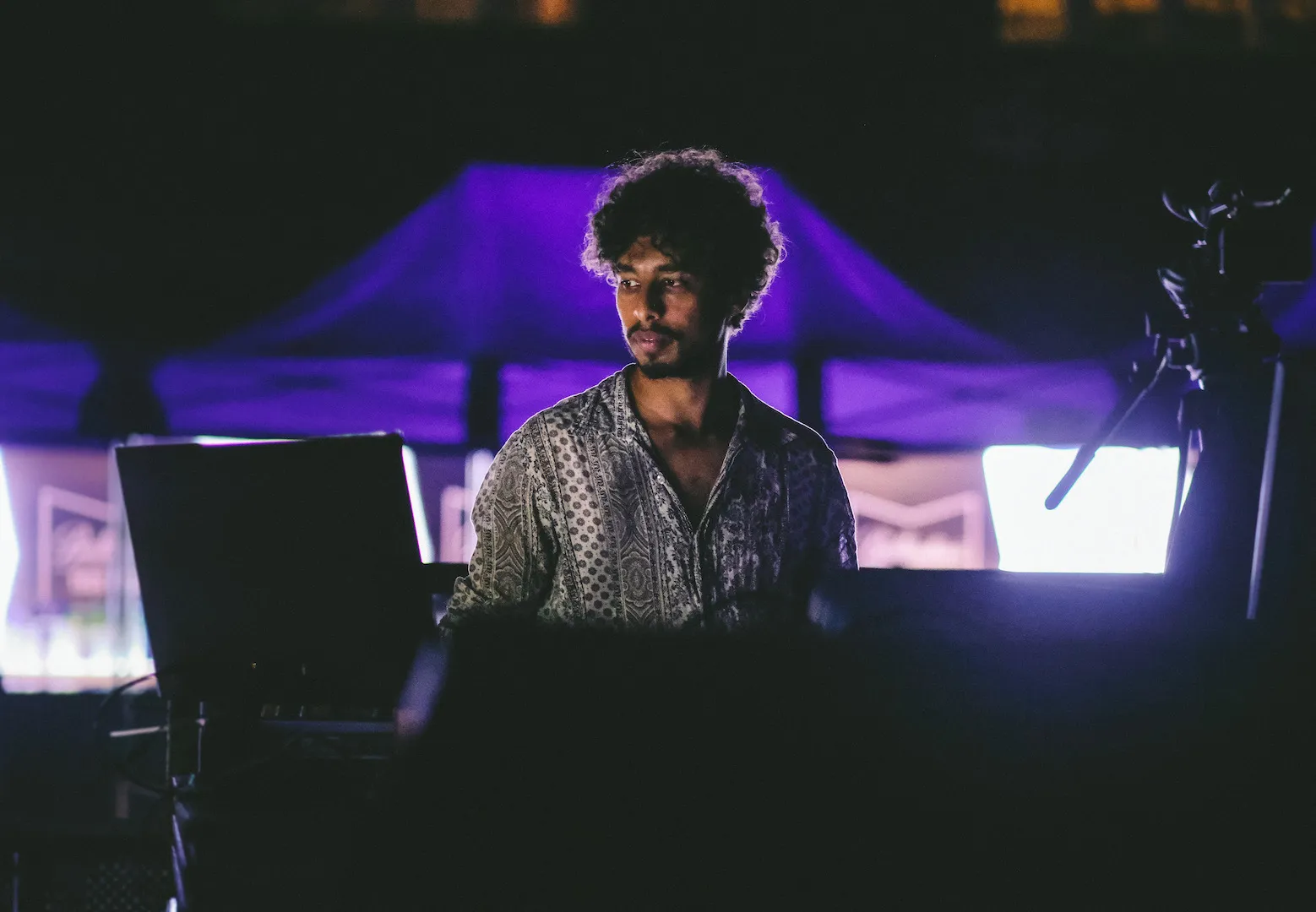
Videosync has been thoroughly conceived down to the very last detail. Its tight integration with Ableton Live has enabled me to incorporate my previously existing workflows directly into it.
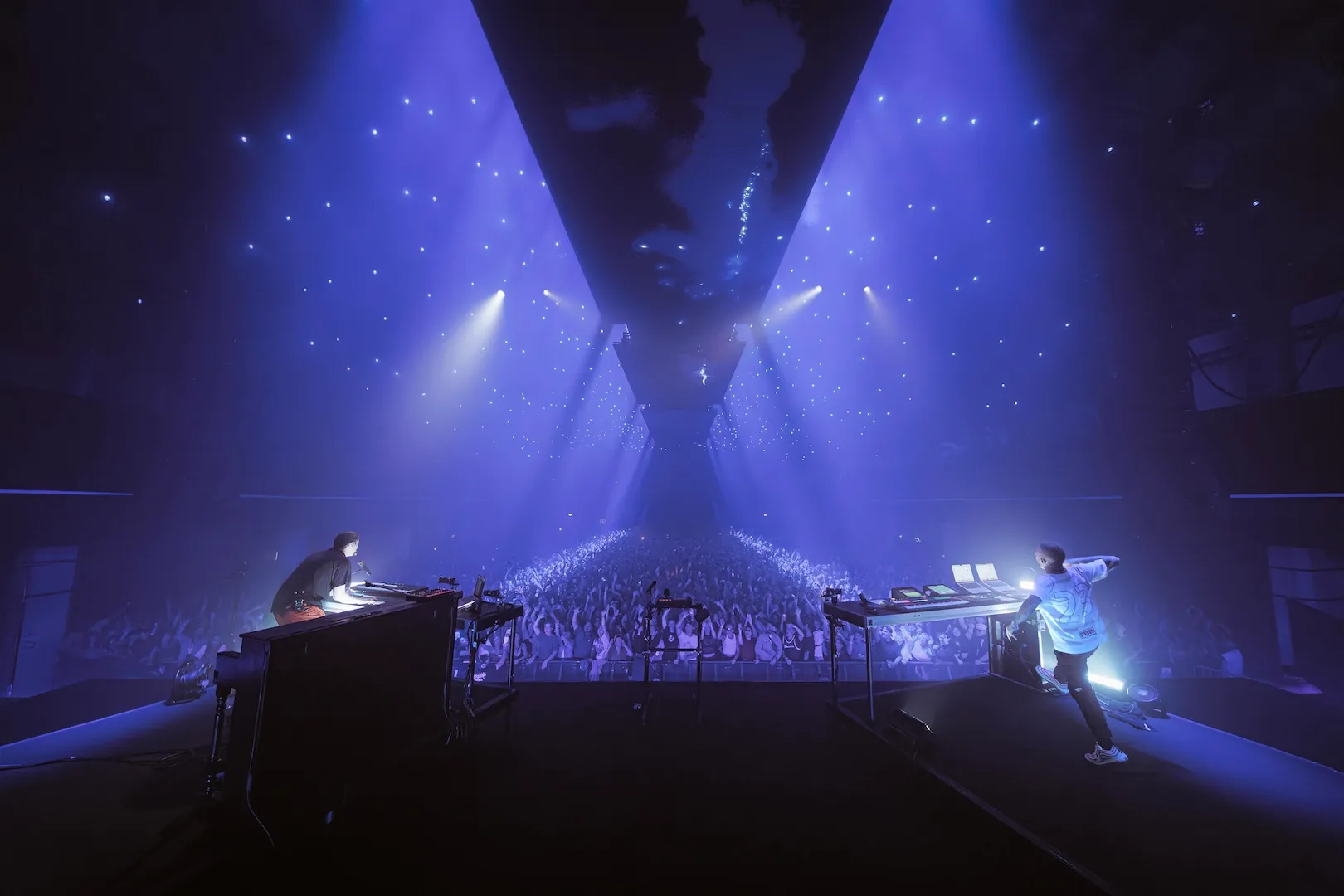
Videosync has saved me so much time within Ableton. Designing live visuals feels so intuitive and easy, allowing me more time to design my music. It’s great how you can get creative with it and design some crazy visuals with ease. Videosync really is next level!
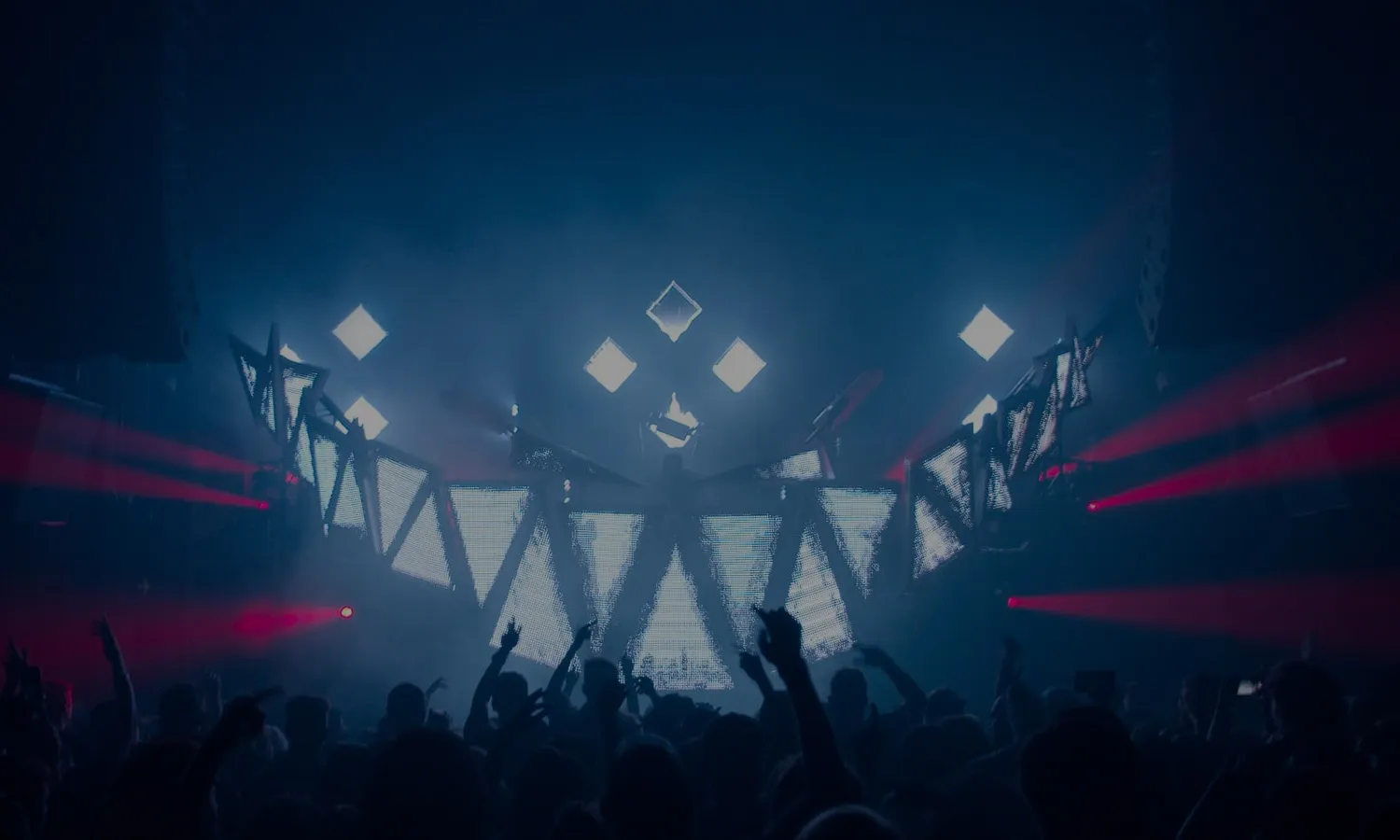
Purchase Videosync and Beam for Live together and receive a discount of 10%