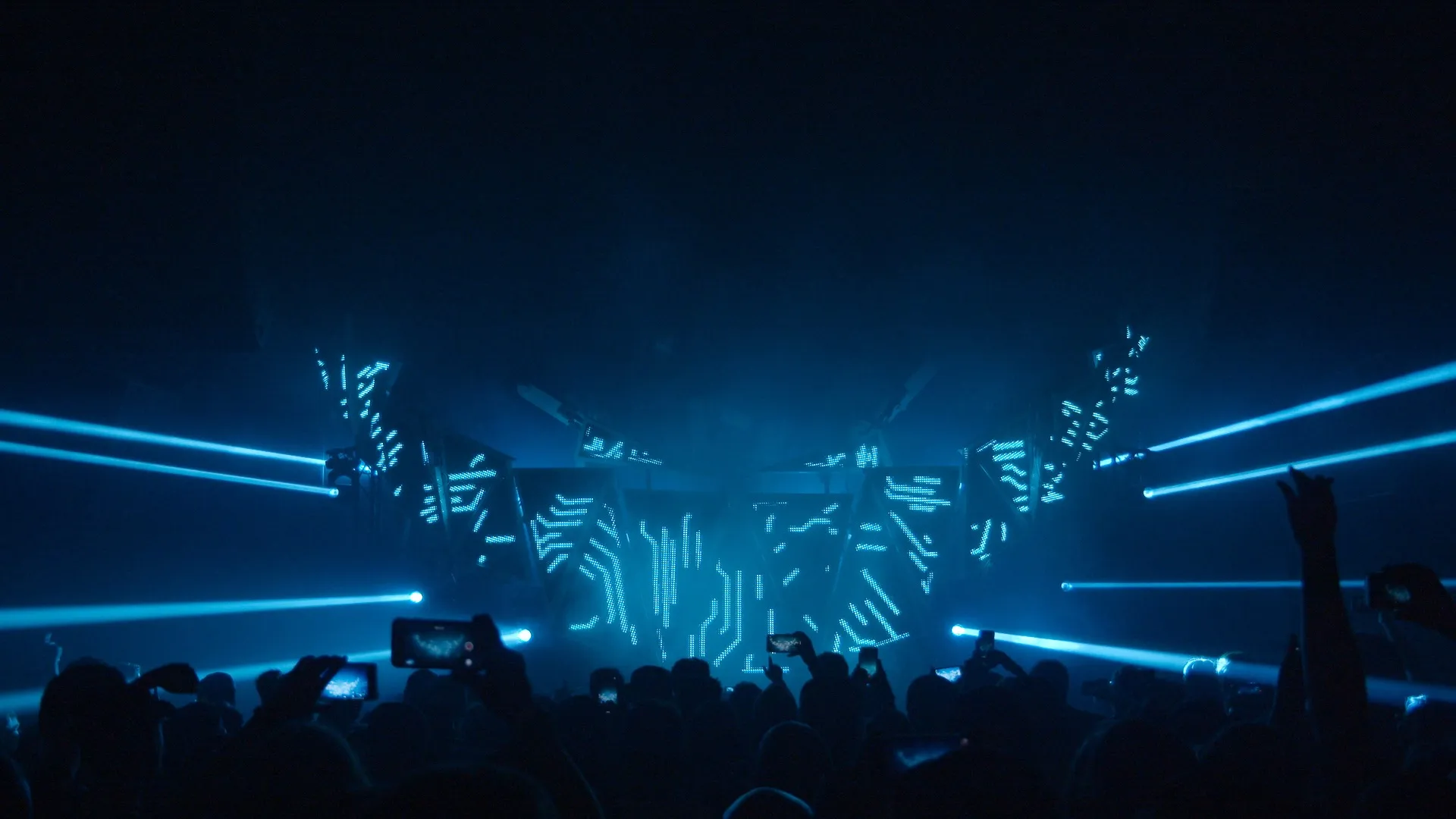
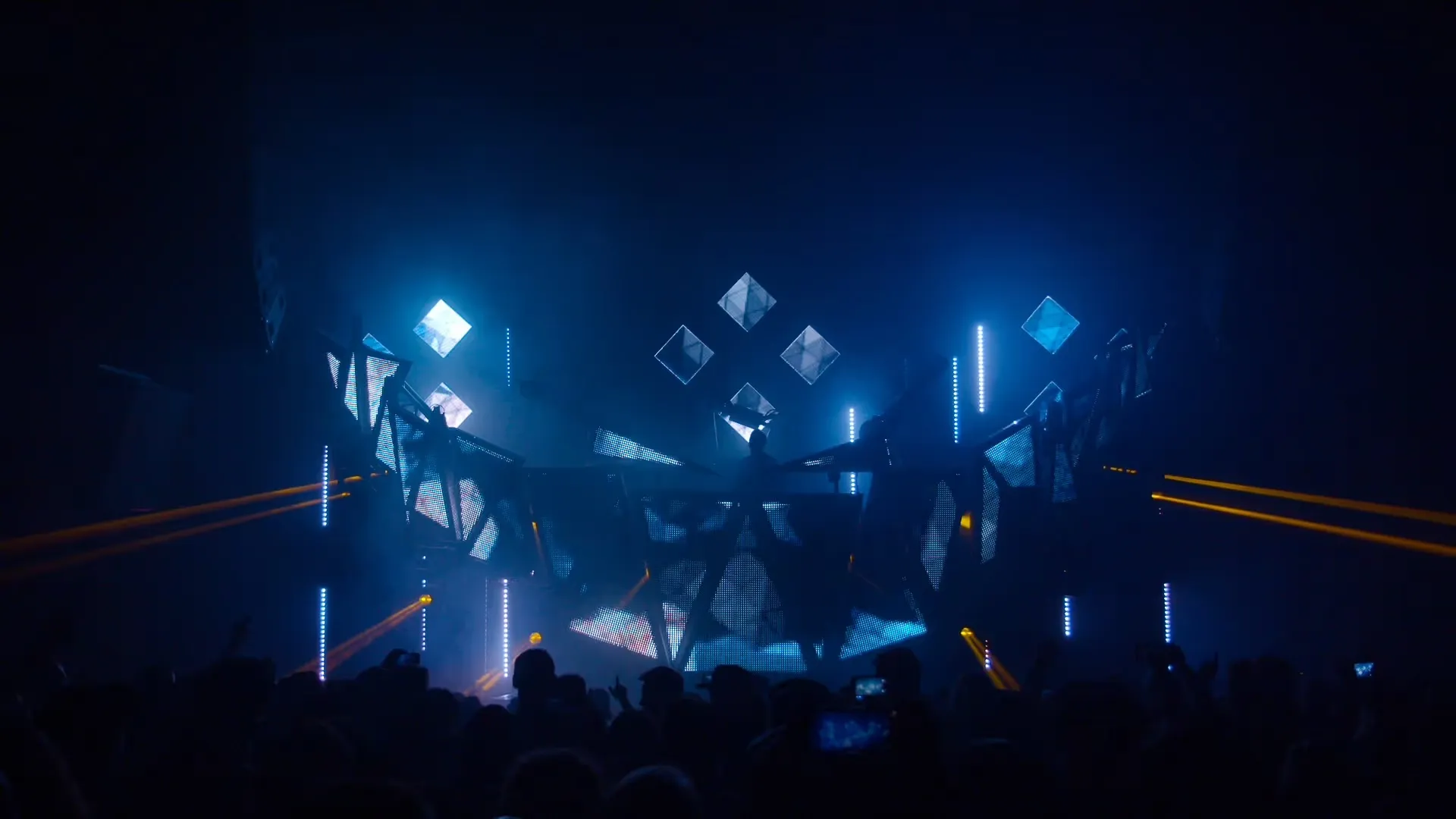
The Feed Me With Teeth show is built entirely on Videosync and Beam. We use no other lighting desks or media servers. This has served us very well for multiple USA tours and various festival shows all over the world.

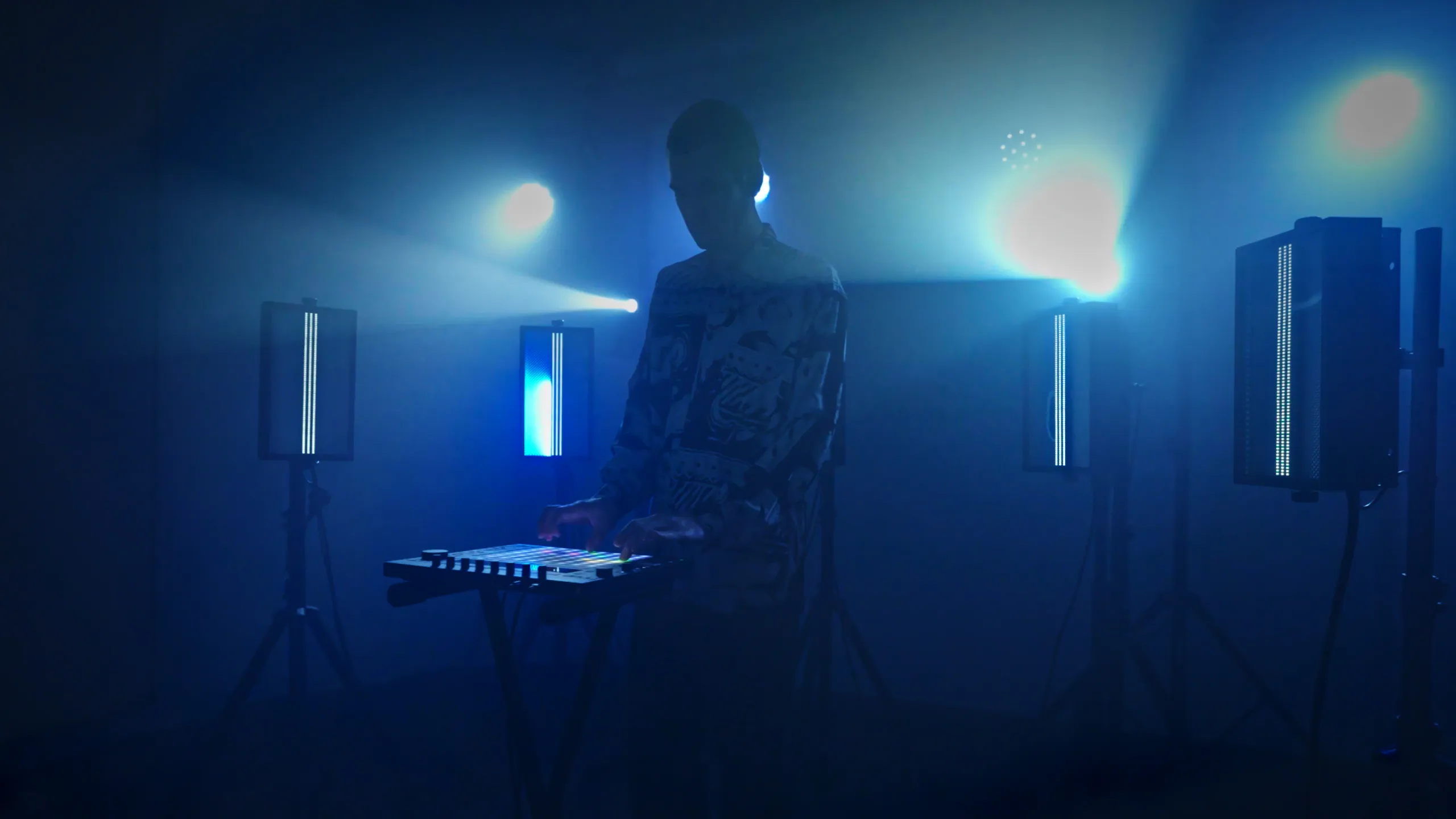
The lighting engine for Ableton Live
Beam for Live 2.1 is here. Shape any part of the lighting signal, split parameters across tracks, morph between states, and see exactly what Beam is sending.
Full control over lighting, without sacrificing creativity. Beam gives you lighting composition directly from the musical grid and makes lights react to your playing. Turn Ableton Live into your lighting console.
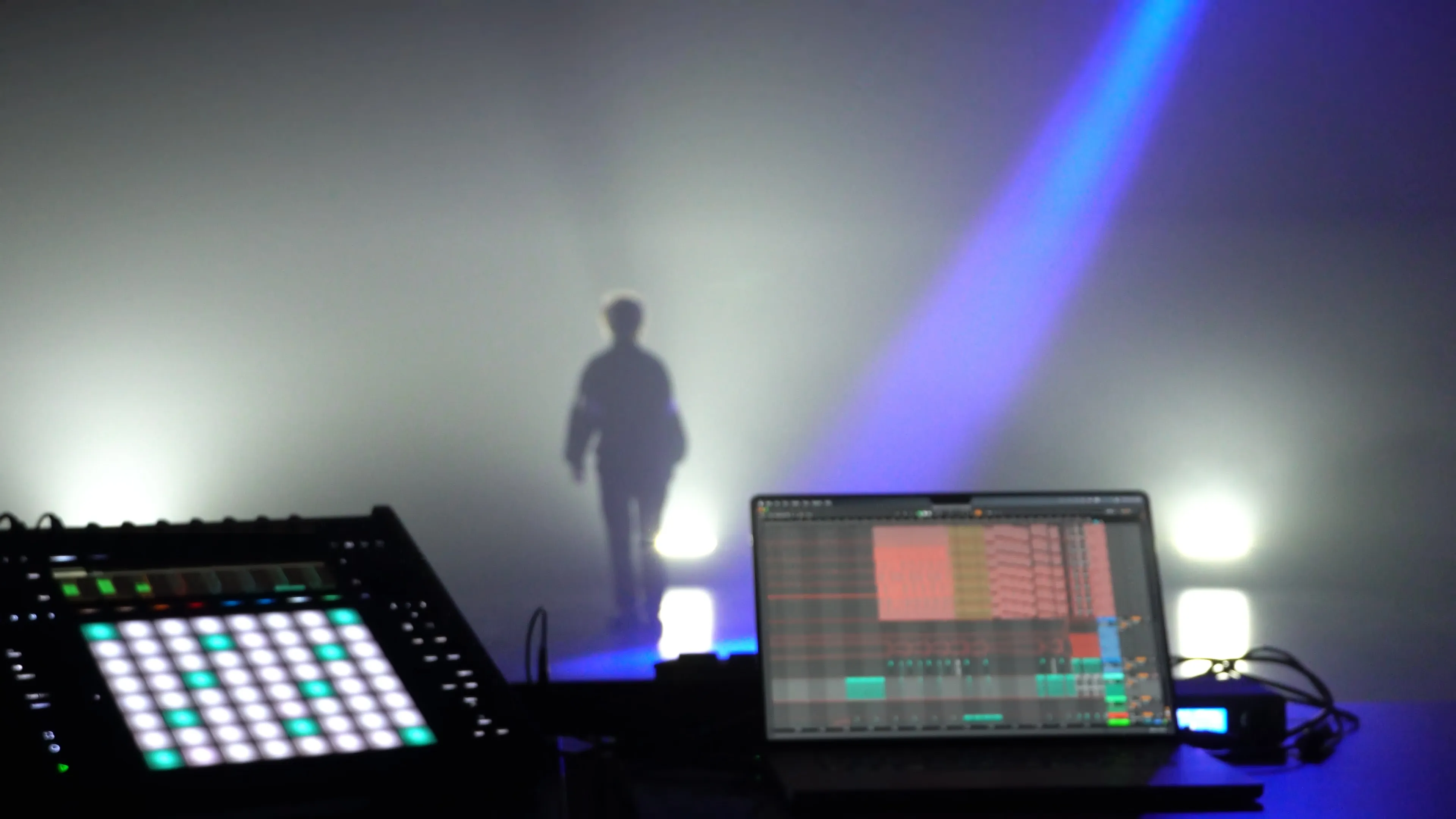
Use Live's automation, MIDI and signal flow features to control your lights. If you don't want to stop there, create your own Max for Live lighting devices using the Beam SDK.
Control lights from various manufacturers with a single instrument. Perform on a new lighting rig without making changes to your Live Set; your set is decoupled from the lighting patch for maximum flexibility.
Connect Beam directly to your lighting setup without the need of a lighting desk. Send out unlimited universes over Art-Net, or connect with a range of supported USB-DMX devices.
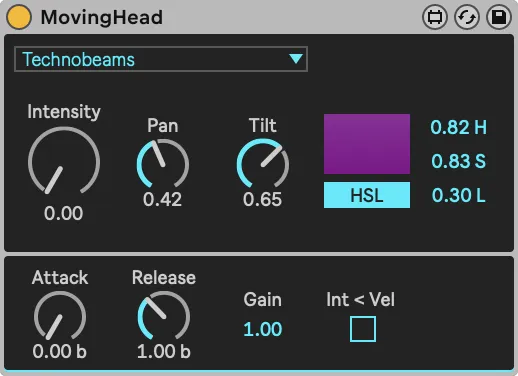
In addition to intensity and color, MovingHead also supports controlling movement parameters pan and tilt.
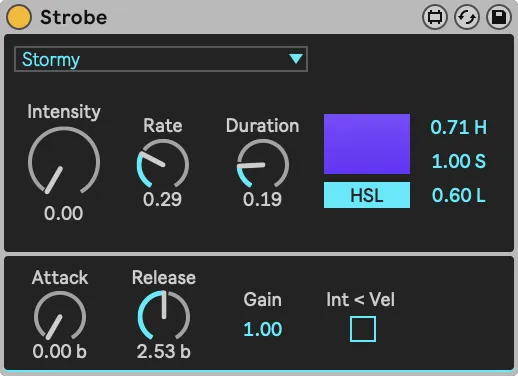
In addition to intensity and color, Strobe supports controlling strobe-specific parameters stroberate and strobeduration. The color control usually only applies to LED strobes.
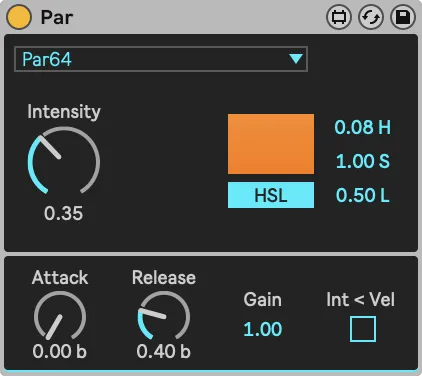
Par is the most basic instrument, supporting intensity and color control. Color control typically only applies to LED PARs.
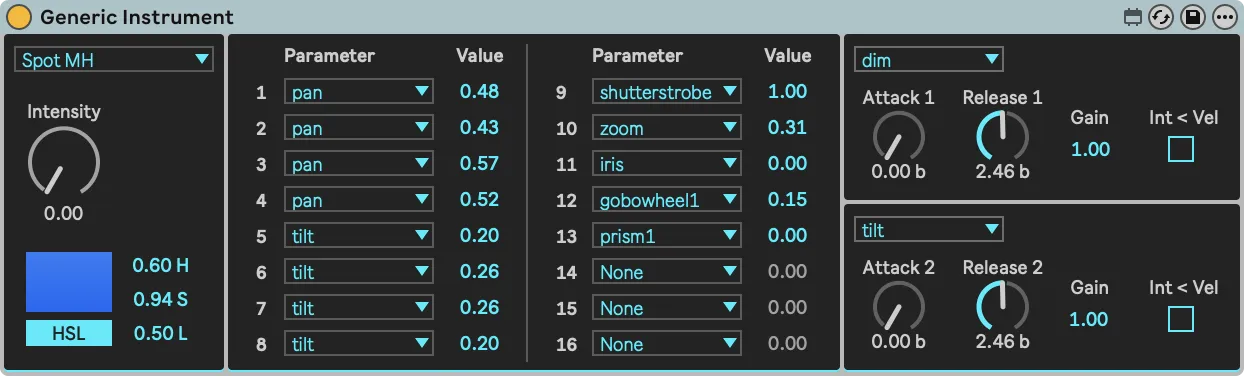
While the Par, MovingHead, and Strobe devices are designed to control specific fixture types, Generic Instrument offers an out-of-the-box solution for working with a wide range of fixtures, regardless of their parameters.
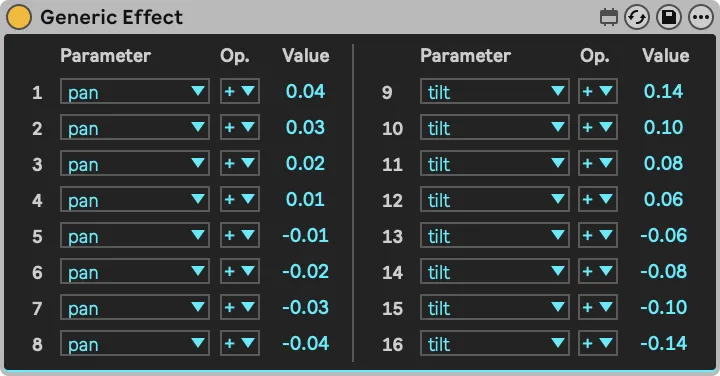
A versatile utility device that can transform any modulation parameter of the incoming lighting signal, for all fixtures at once, or individual fixtures, anywhere in the signal chain.
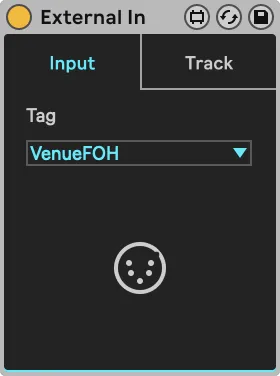
Similar to the routing of Live, External In is an important routing element that can be used to receive lighting signals from hardware sources, or from other tracks within Live, to then manipulate them further with Beam’s effects.
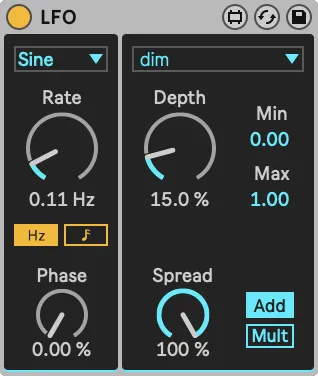
LFO can be used whenever you want any parameter to change periodically or randomly without the need to add automation.
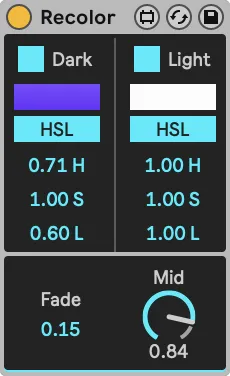
An artistic effect that either A) sets a fixed color value or B) assigns a color depending on the luminosity of the incoming color and dim combined.
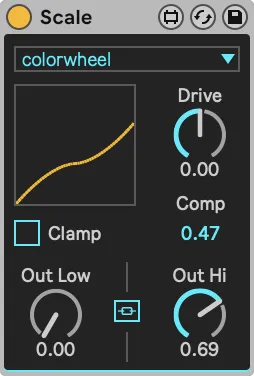
Scale is used to scale and/or offset any parameter value. It always operates similarly all fixtures passing through. Scale can be very useful to use on group tracks, to adapt a parameter of multiple fixture groups at once.
The Feed Me With Teeth show is built entirely on Videosync and Beam. We use no other lighting desks or media servers. This has served us very well for multiple USA tours and various festival shows all over the world.
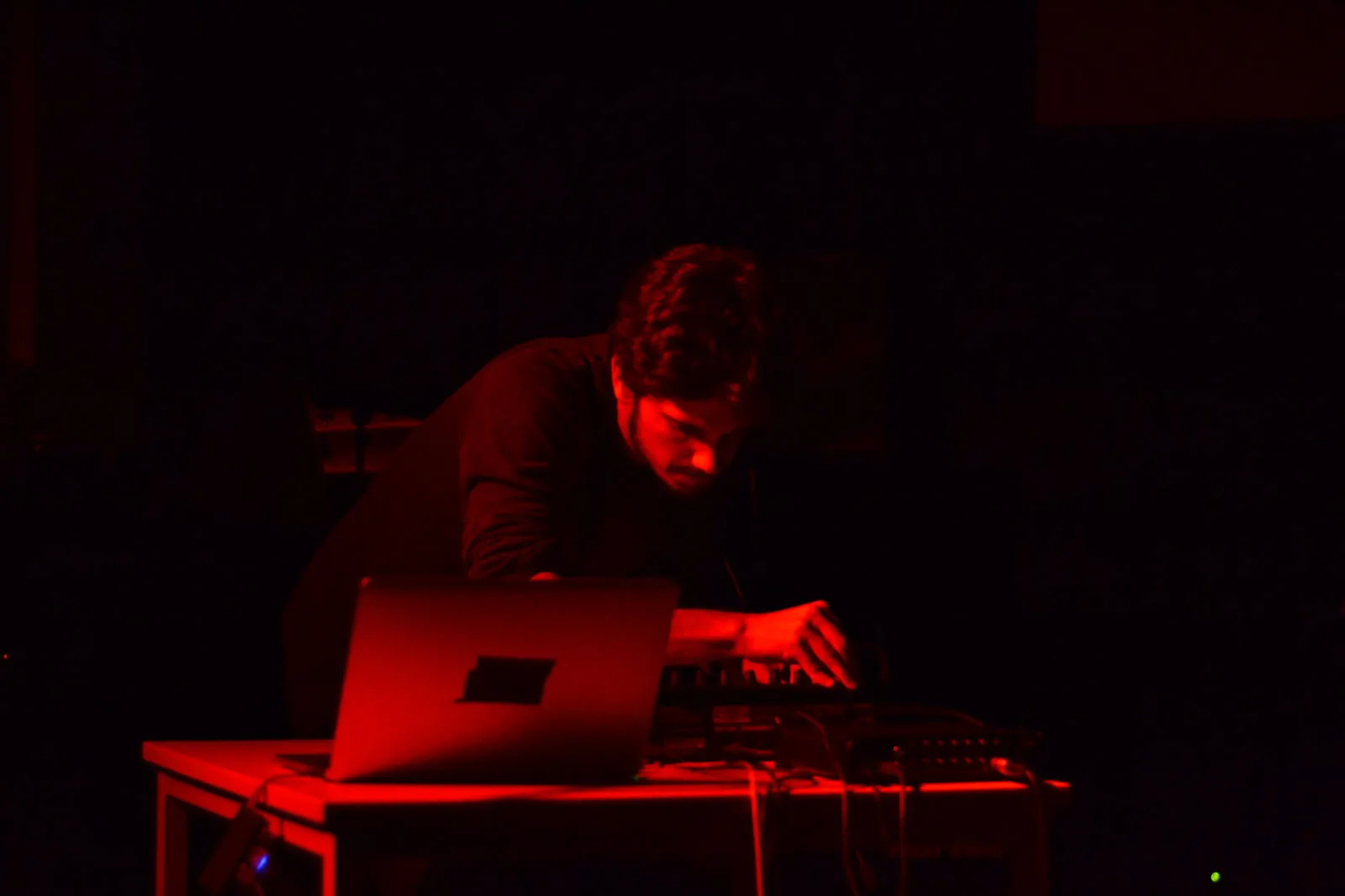
I used Beam in my 2-hour multimedia installation, ALL LIMITS, and found it to be incredibly versatile and intuitive. Any sound or musical idea could easily transform into lighting behavior, allowing me to craft a very intricate audiovisual counterpoint. Beam is the ideal tool for creating detailed audiovisual relationships, making lighting a simple, accessible visual instrument.
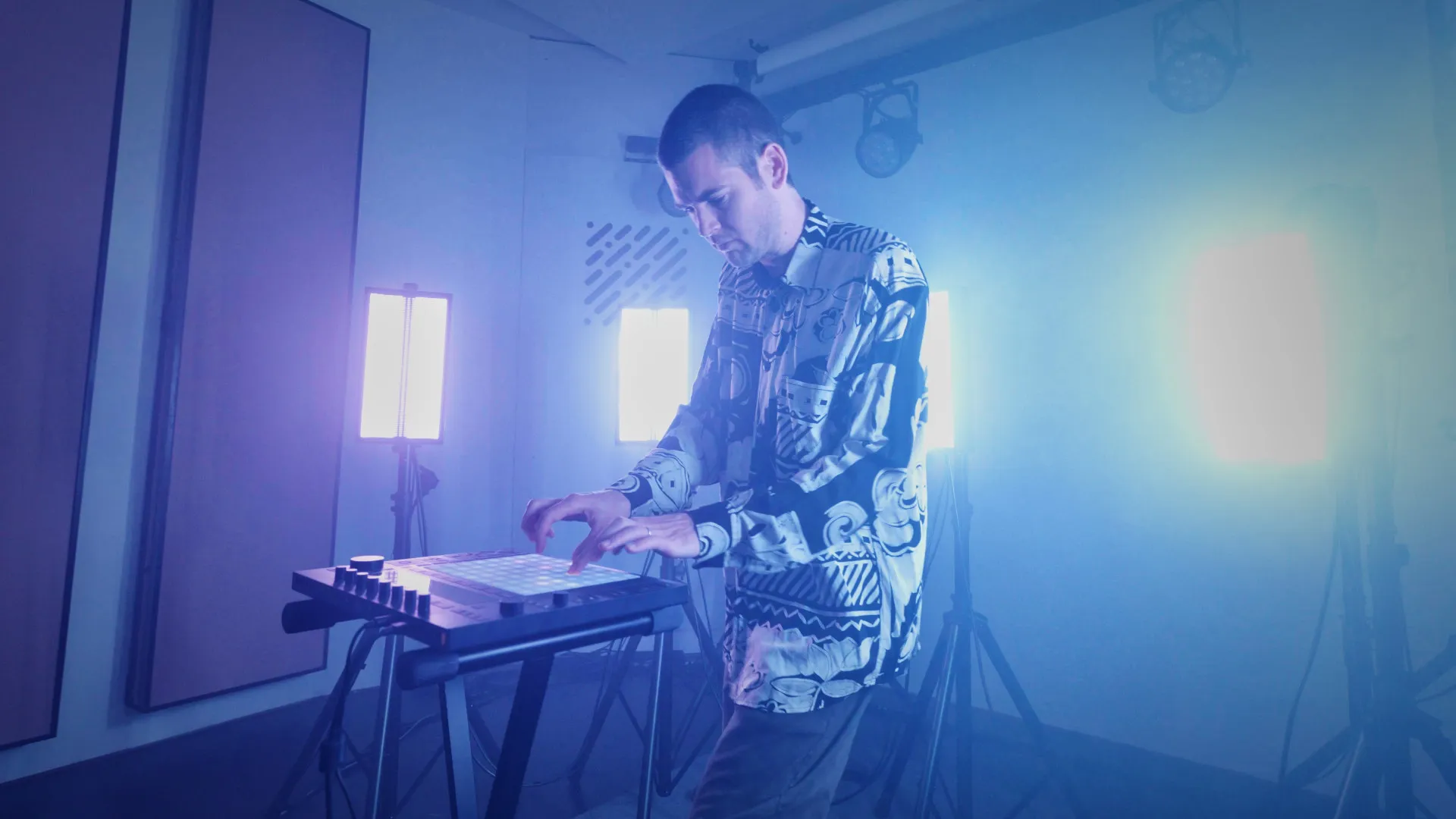
For me this ability to trigger sounds and lights at the same time is really something of a dream come true, because it makes the entire thing so much more immersive. It really puts you into the music.
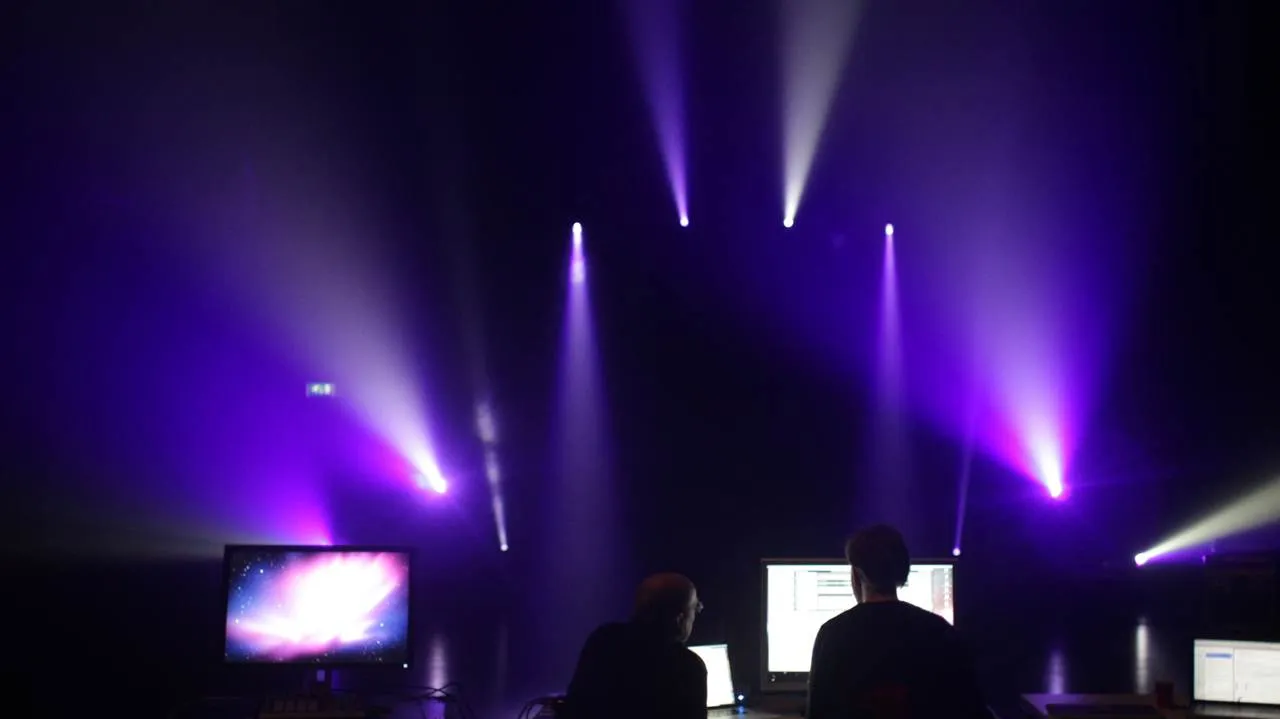
Beam is a game changer when it comes to musical lighting control. Designing a unique lighting counterpart for every note in every clip of the Feed Me show might sound daunting, but with Beam it was truly fun and the synergy with Videosync is unparalleled.
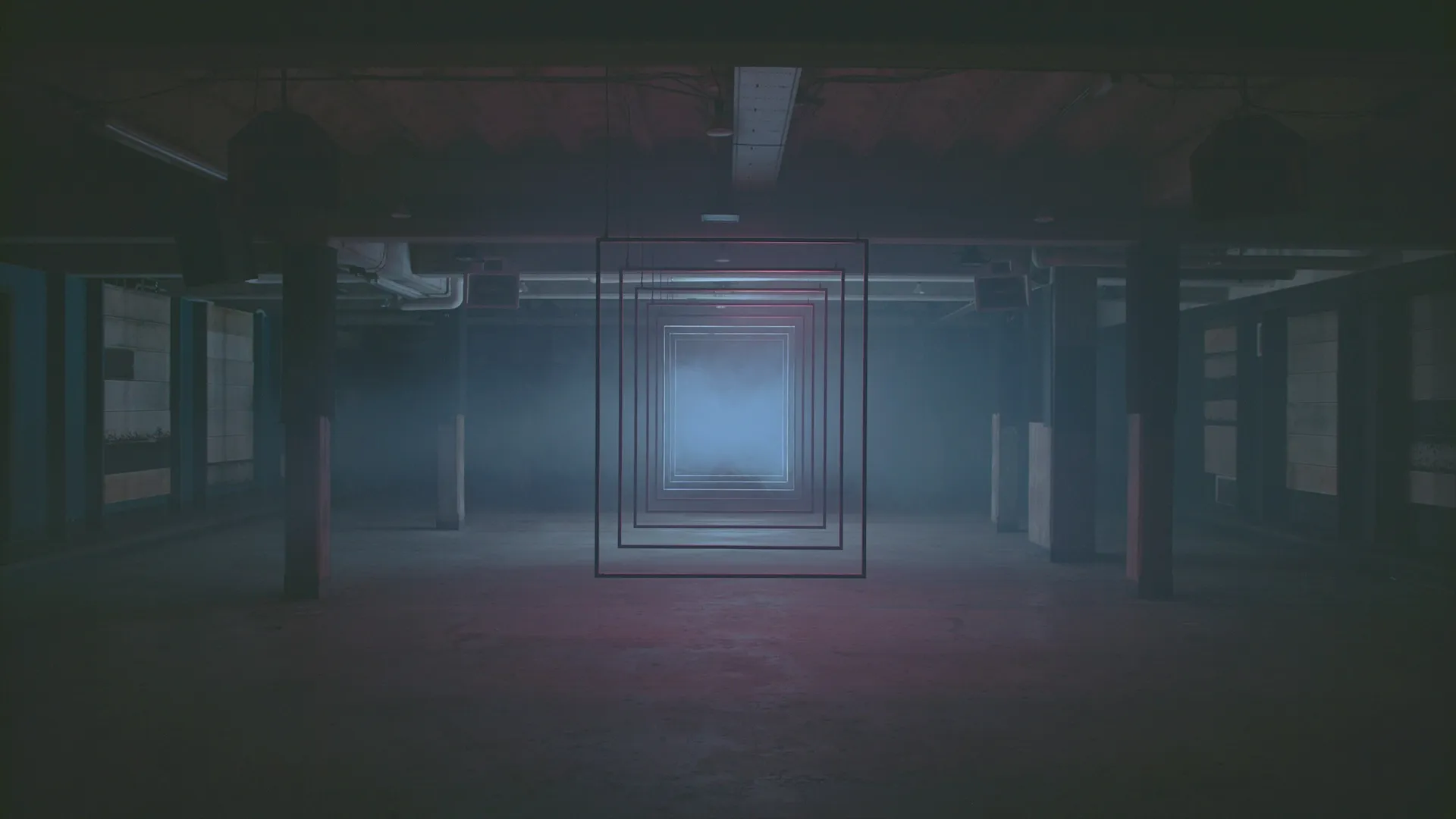
With Videosync and Beam, building visuals and lighting together with my audio feels most like sculpting. I mix, blend and layer until what I see matches exactly with what I feel.
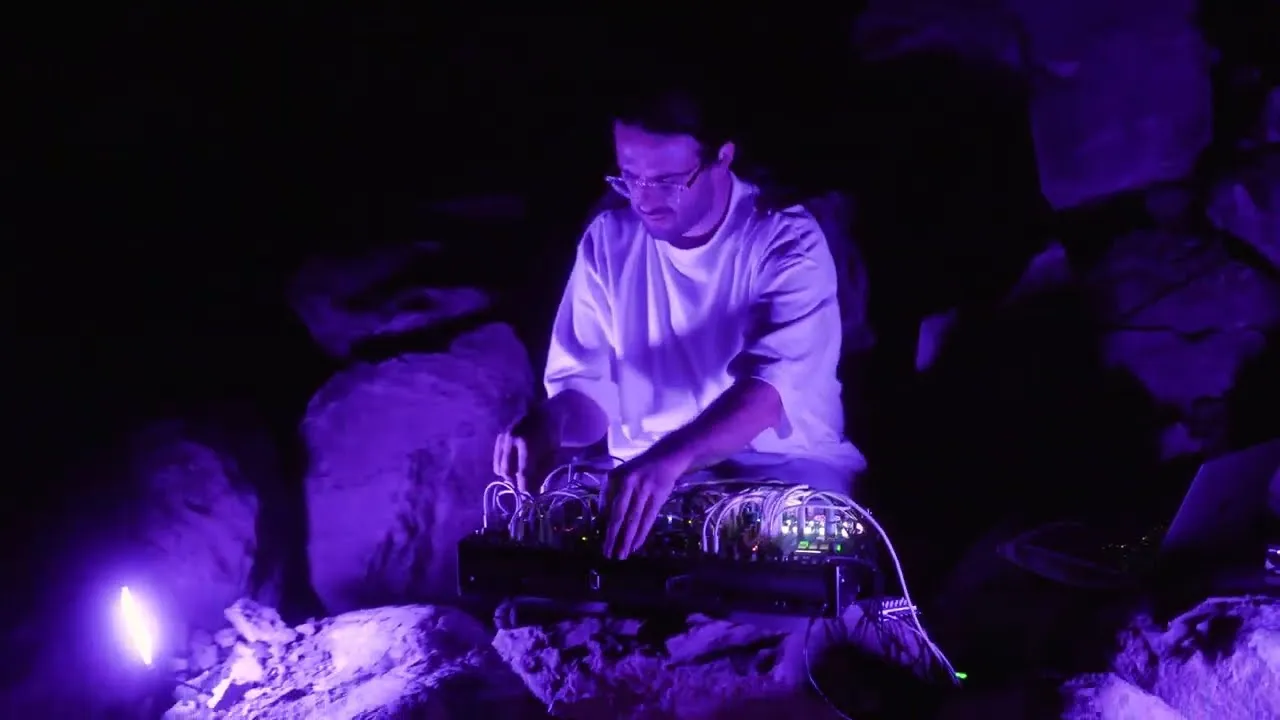
Beam gives me the ability to create all kinds of moods I want, without the help of a lighting designer and without knowledge of lighting techniques. It’s like composing music but for the eyes. This is a real game changer for live performances.

It’s awesome when a product comes along that perfectly compliments what you’re trying to do, in a smooth, seamless, awesome way! Beam 2 is an amazing new addition to my studio and live set up.
The amount of supported fixtures increases with every update, but in case you are still missing one or more fixture profiles in Beam, you can use the Fixture Editor.
Purchase Beam for Live and Videosync together and receive a discount of 10%

Looking to control lights with Cycling '74's Max instead?